
济南网站建设手机网络推广运营优化
ECharts教程(详细)
非常全面的ECharts教程,非常全面的ECharts教程,目前线条/节点颜色、线条粗细、线条样式、线条阴影、线条平滑、线条节点大小、线条节点阴影、线条节点边框、线条节点边框阴影、工具提醒、工具提醒样式、工具自定义提醒、工具提醒背景、工具提醒边框、工具提醒阴影、工具提醒文字样式、工具箱、工具箱图标、工具箱标题、工具箱功能、类别显示、类别显示位置、类别显示图标、类别显示图标大小、类别显示图标间距、类别显示、类别显示位置、类别显示图标、类别显示图标大小、类别显示图标间距、类别显示图标文字大小、类别显示图标文字颜色、轴方向等多达四十个快捷键使多达四十个快捷键使用。
可以在使用过程中轻松应对大部分场景。由于时间原因,本文只更新全文的10%。以下时间会持续更新,ECharts 是一个常用的工具,但苦涩的 API 常常让人困惑。建议收藏一份,以方便使用时快速查找和解决问题。
文章目录
- ECharts教程(详细)
- 1:线条/节点颜色
- 2:线条粗细
- 3:线条样式
- 4:线条阴影
- 5:线条平滑
- 6:线条节点大小
- 7:线条节点阴影
- 8:线条节点边框
- 9:线条节点边框阴影
- 10:工具提醒
- 11:工具提醒样式
- 12:工具自定义提醒
- 13:工具提醒背景
- 14:工具提醒边框
- 15:工具提醒阴影
- 16:工具提醒文字样式
- 17:工具箱
- 18:工具箱图标
- 19:工具箱标题
- 20:工具箱功能
- 21:类别显示
- 22:类别显示位置
- 23:类别显示图标
- 24:类别显示图标大小
- 25:类别显示图标间距
- 26:类别显示图标文字大小
- 27:类别显示图标文字颜色
- 28:轴方向(同其他,如柱状图等)
- 29:坐标轴名称
- 30:坐标轴名称位置
- 31:坐标轴名称文字样式
- 32:坐标轴名称与轴线之间的距离
- 33:显示标签
- 34:标签位置
- 35:标签文字样式
- 36:标签背景色
- 37:标签边框
- 38:标签边框圆角
- 39:标签内边距
- 40:标签阴影
- 41:标签旋转
- 42:持续更新中 ......
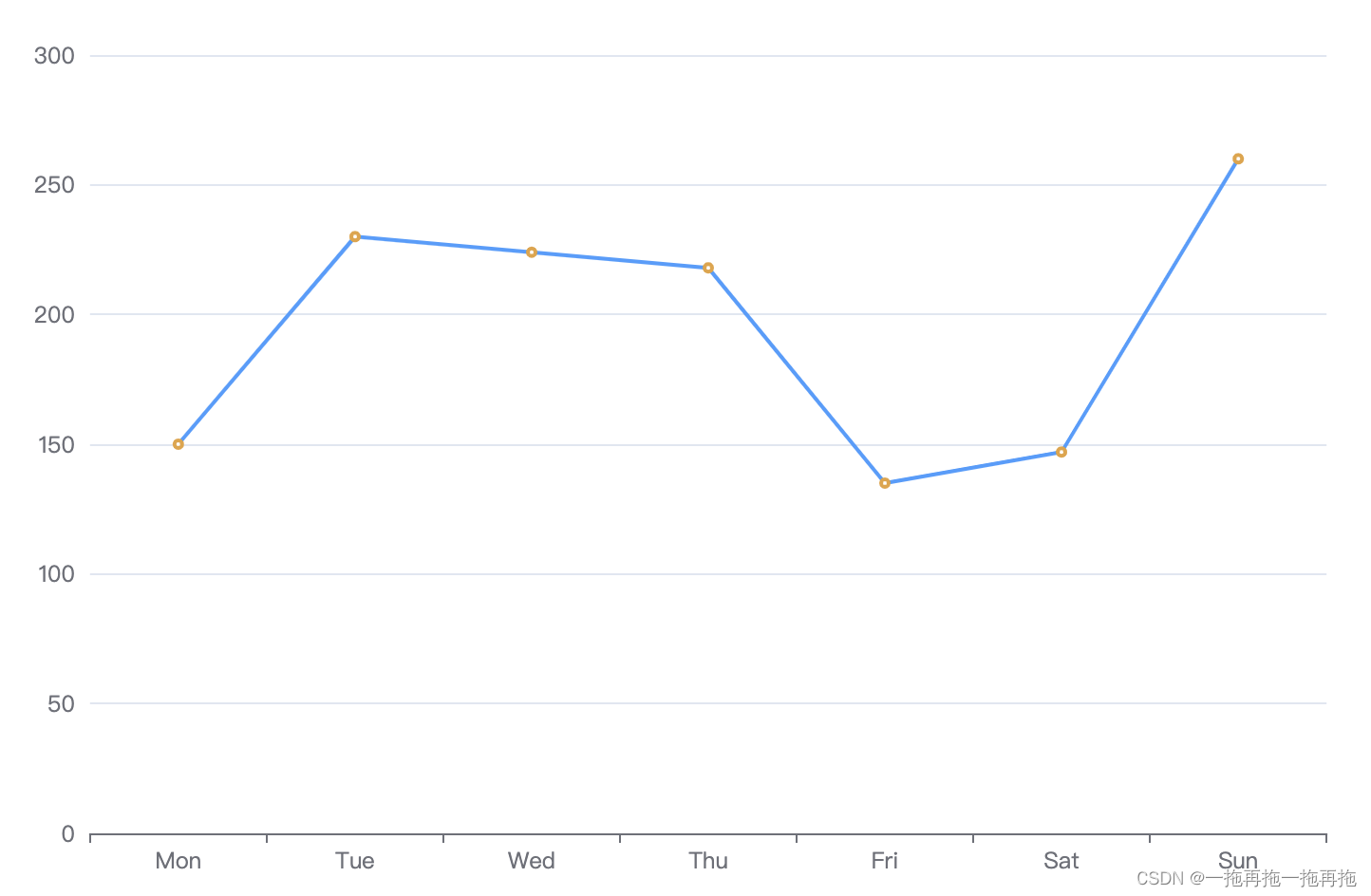
1:线条/节点颜色
series: [{data: [150, 230, 224, 218, 135, 147, 260],type: 'line',itemStyle: {normal: {color: '#E6A23C',lineStyle: {color: '#409EFF'}}},}
]
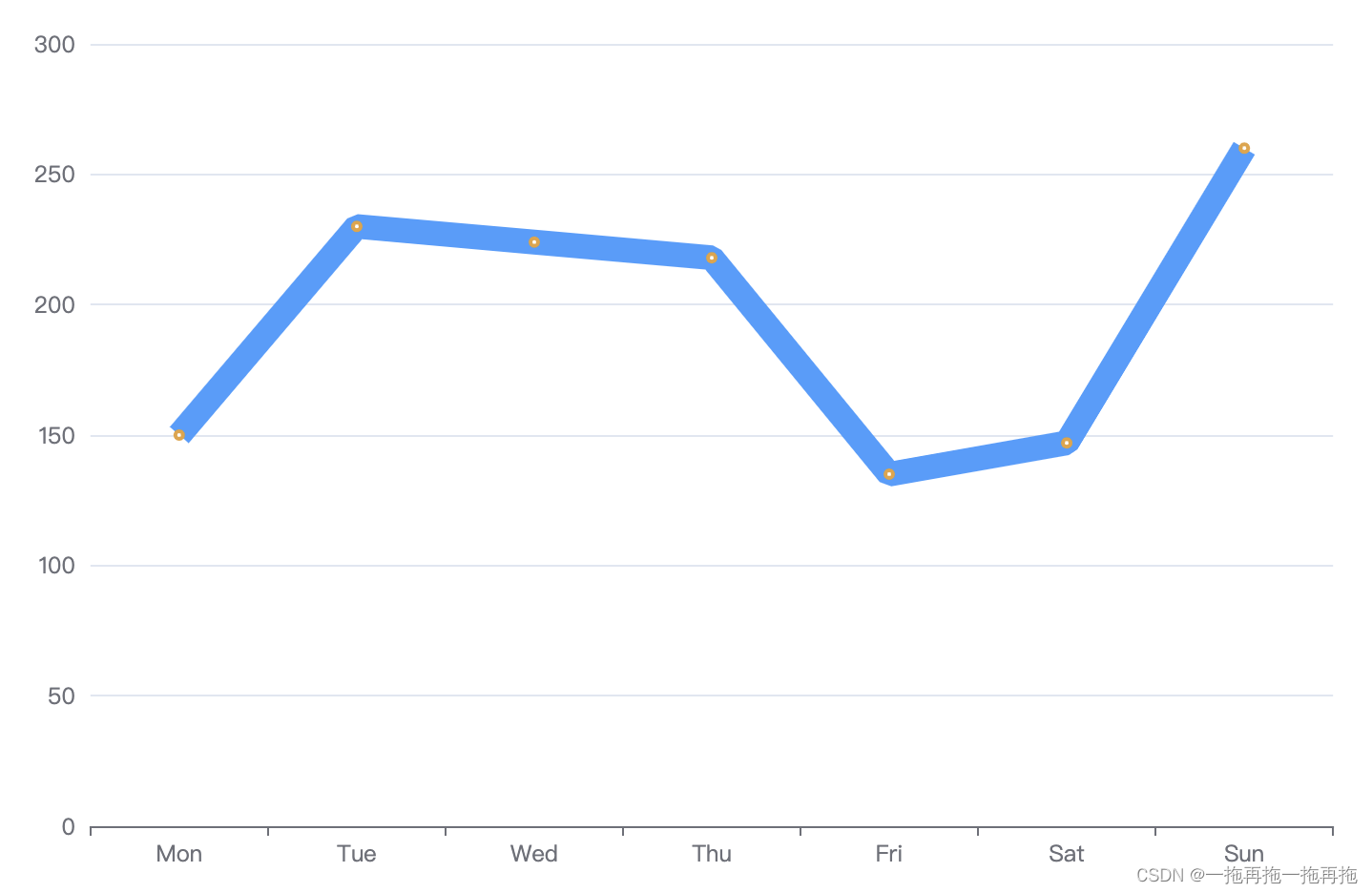
2:线条粗细
series: [{data: [150, 230, 224, 218, 135, 147, 260],type: 'line',itemStyle: {normal: {color: '#E6A23C',lineStyle: {color: '#409EFF',width: 3}}},}
]
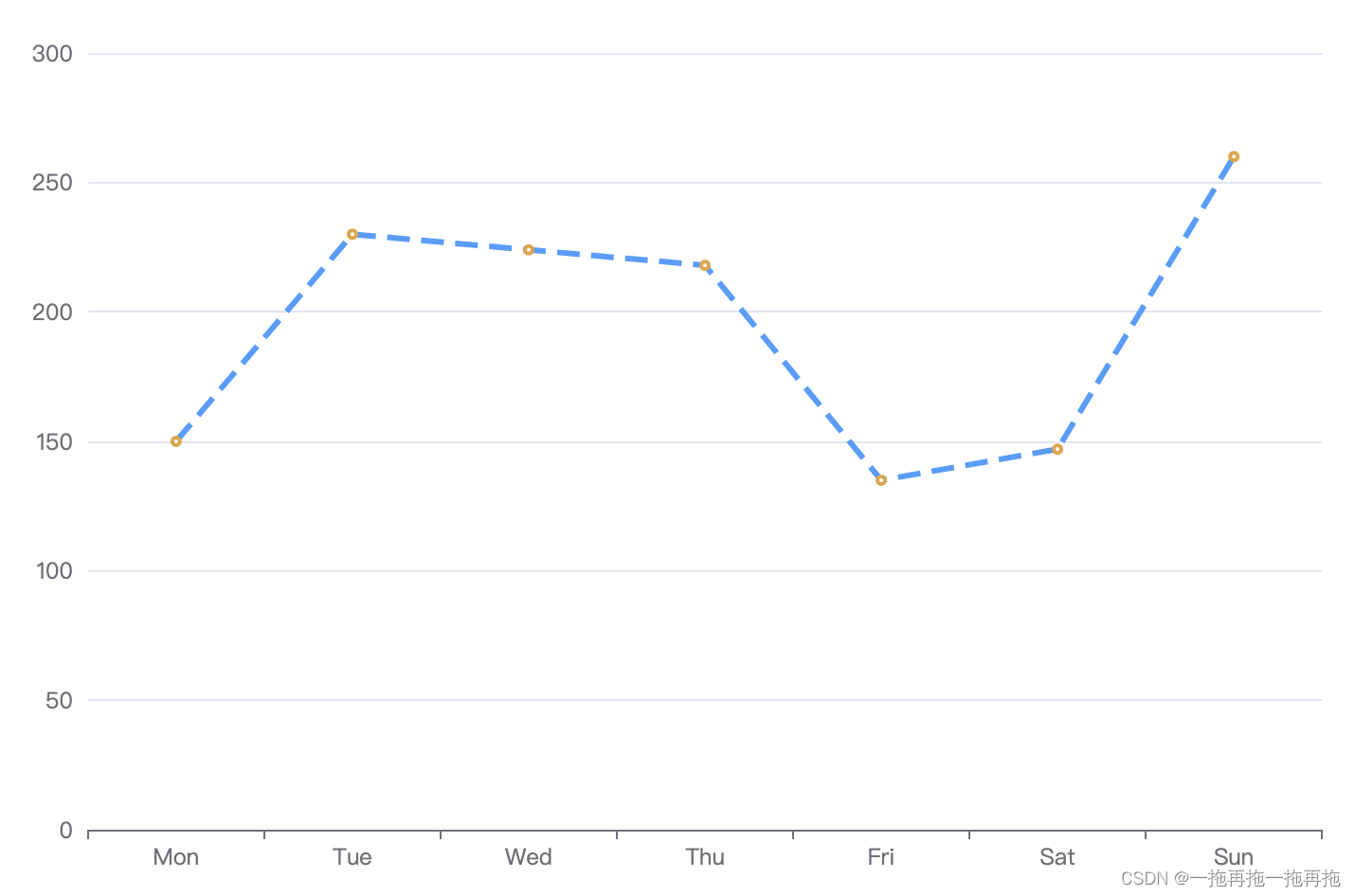
3:线条样式
series: [{data: [150, 230, 224, 218, 135, 147, 260],type: 'line',itemStyle: {normal: {color: '#E6A23C',lineStyle: {color: '#409EFF',width: 3,type: 'dashed'}}},}
]
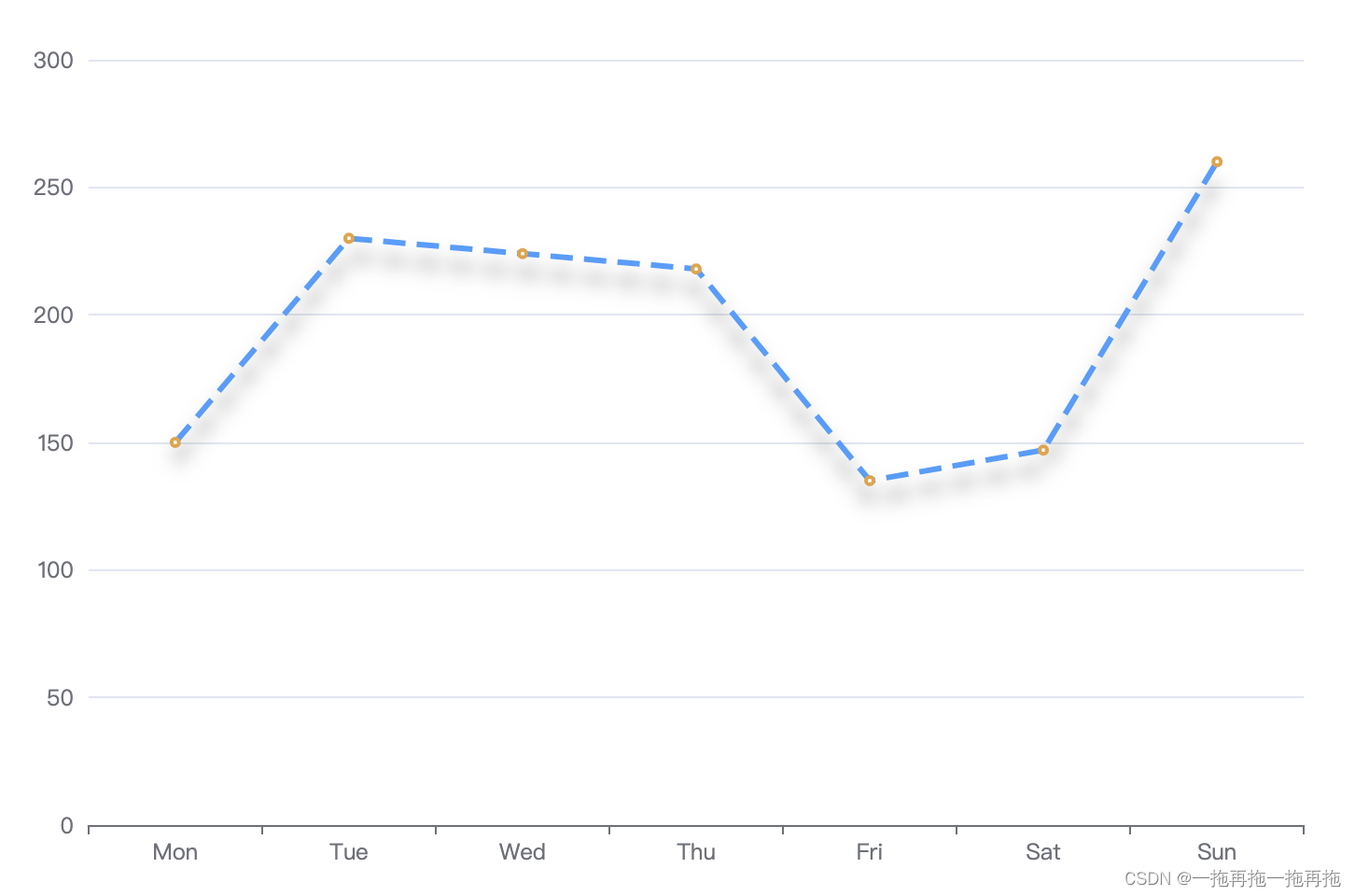
4:线条阴影
series: [{data: [150, 230, 224, 218, 135, 147, 260],type: 'line',itemStyle: {normal: {color: '#E6A23C',lineStyle: {color: '#409EFF',width: 3,type: 'dashed',shadowColor: 'rgba(0, 0, 0, 0.5)',shadowBlur: 10,shadowOffsetY: 10}}},}
]
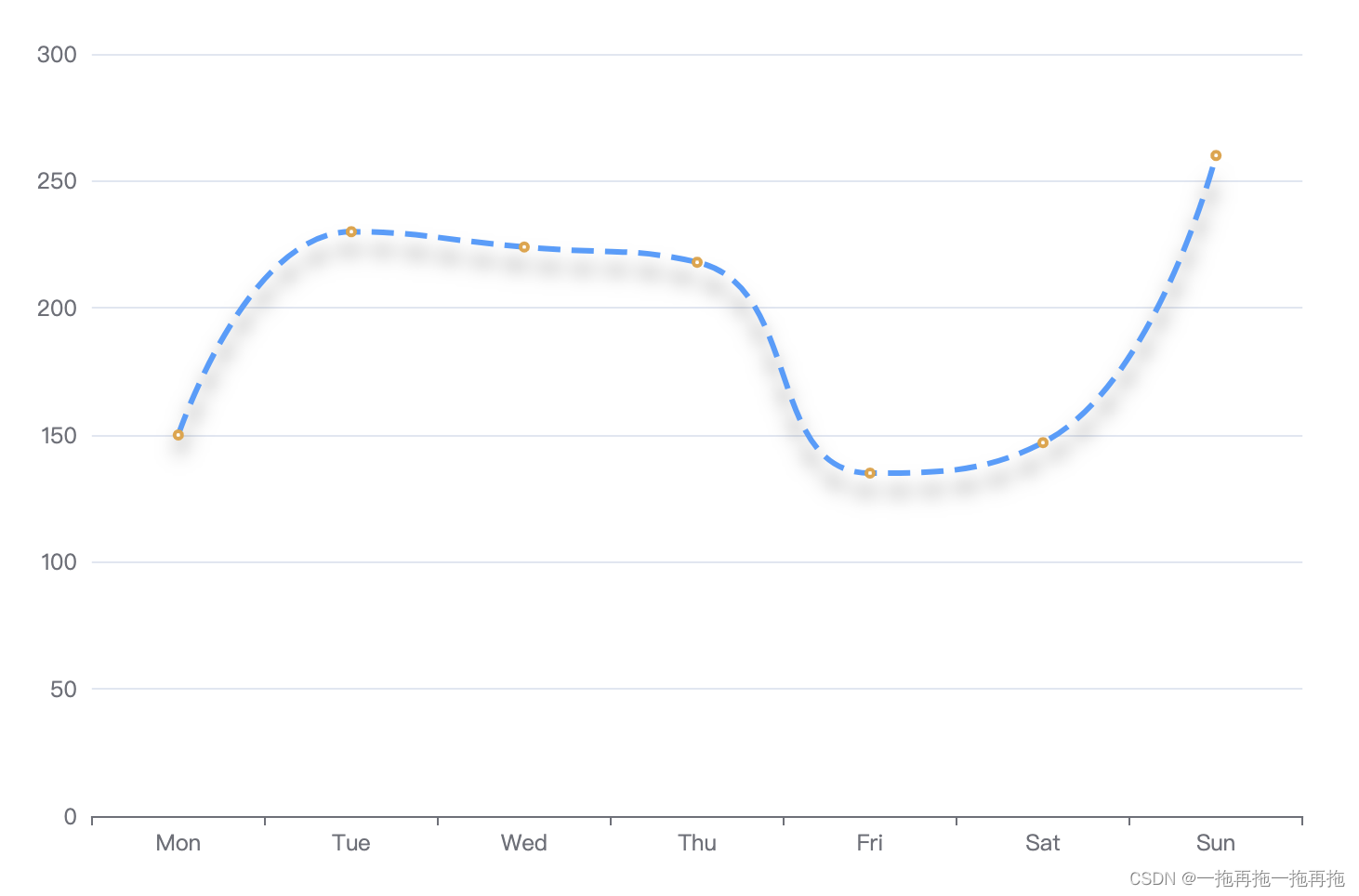
5:线条平滑
series: [{data: [150, 230, 224, 218, 135, 147, 260],type: 'line',smooth: true,itemStyle: {normal: {color: '#E6A23C',lineStyle: {color: '#409EFF',width: 3,type: 'dashed',shadowColor: 'rgba(0, 0, 0, 0.5)',shadowBlur: 10,shadowOffsetY: 10}}},}
]
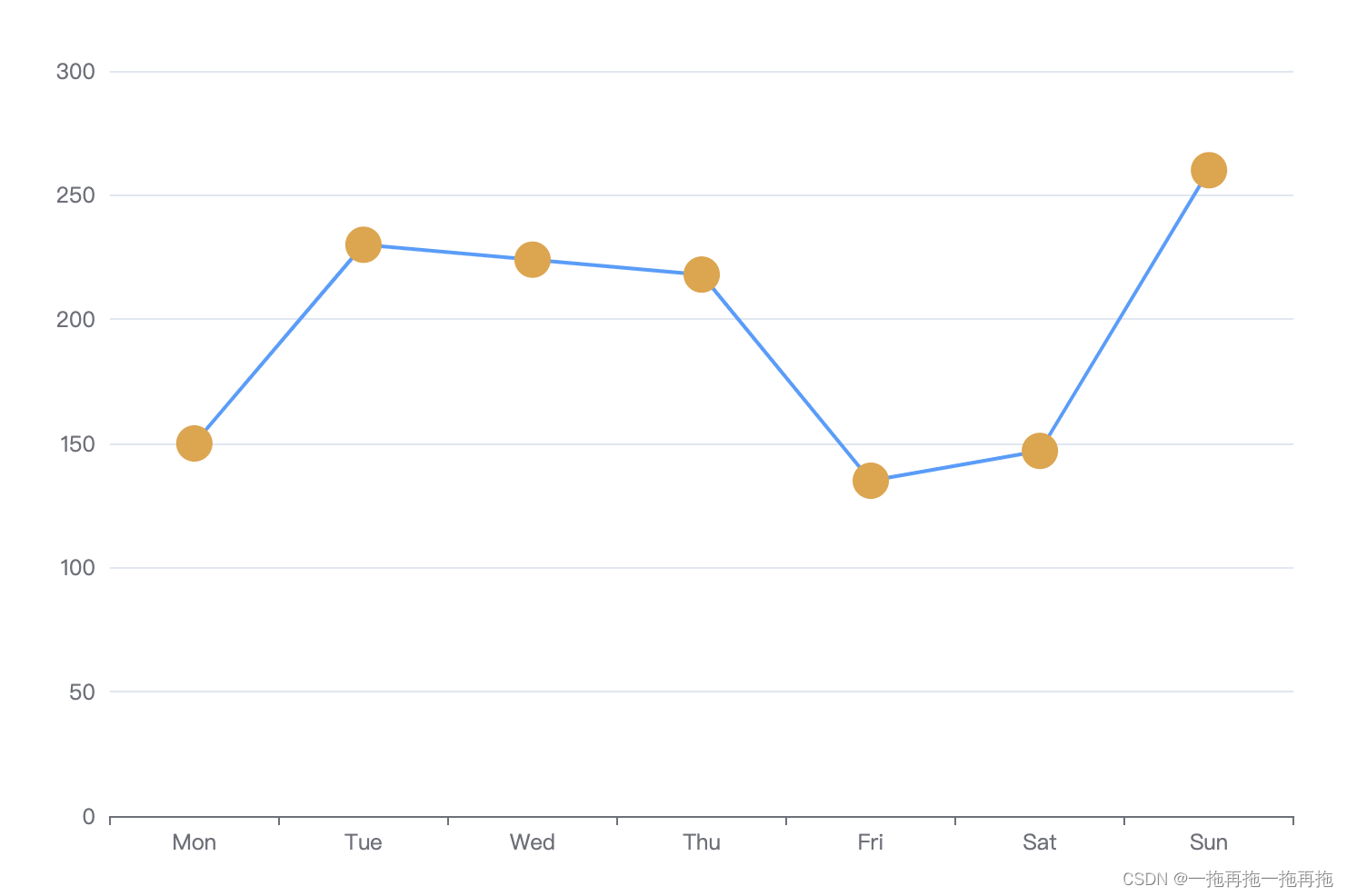
6:线条节点大小
series: [{data: [150, 230, 224, 218, 135, 147, 260],type: 'line',symbol: 'circle',symbolSize: 20,itemStyle: {normal: {color: '#E6A23C',lineStyle: {color: '#409EFF',}}},}
]
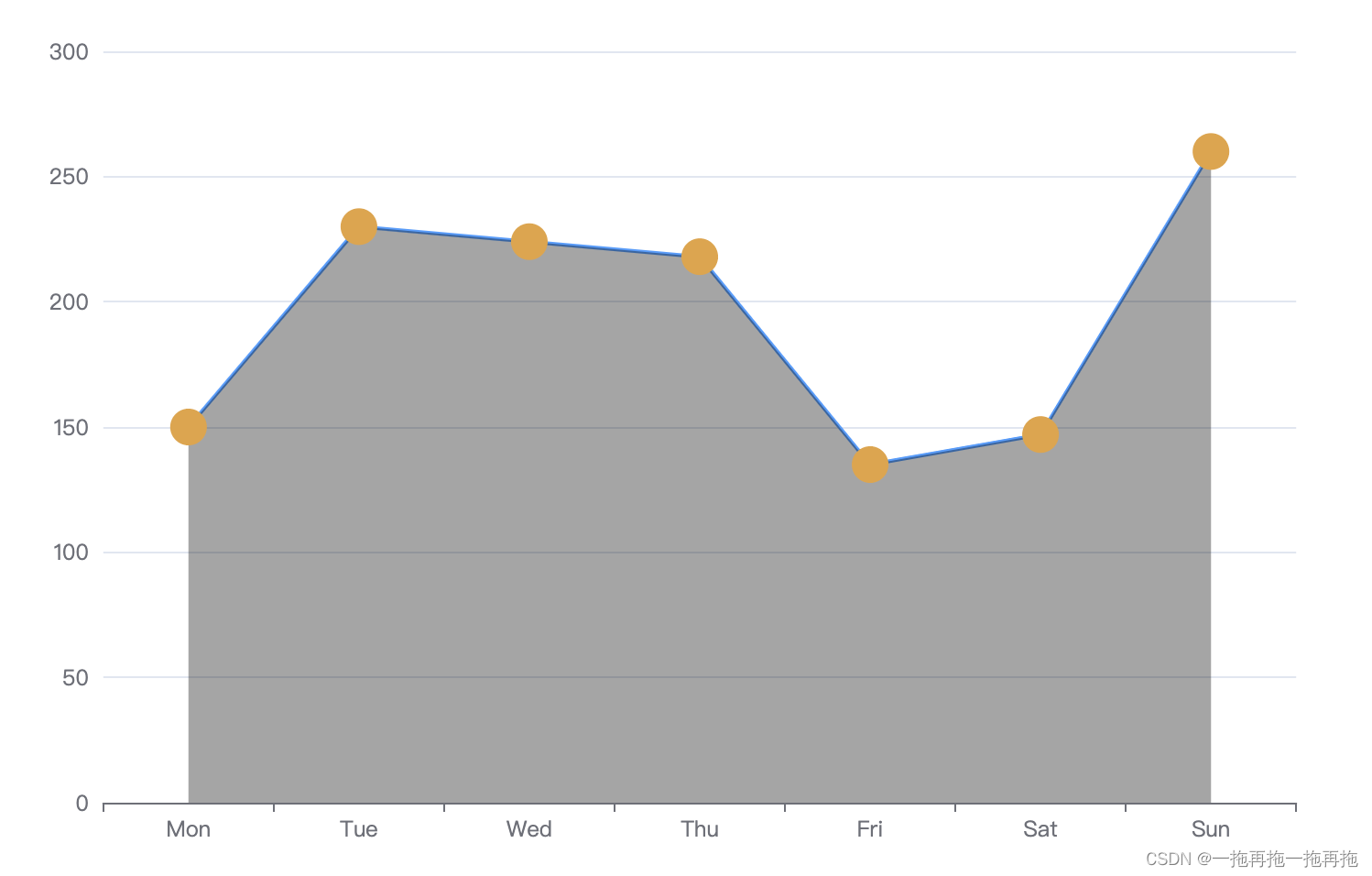
7:线条节点阴影
series: [{data: [150, 230, 224, 218, 135, 147, 260],type: 'line',symbol: 'circle',symbolSize: 20,itemStyle: {normal: {color: '#E6A23C',lineStyle: {color: '#409EFF',},areaStyle: {color: 'rgba(0, 0, 0, 0.5)'}}},}
]
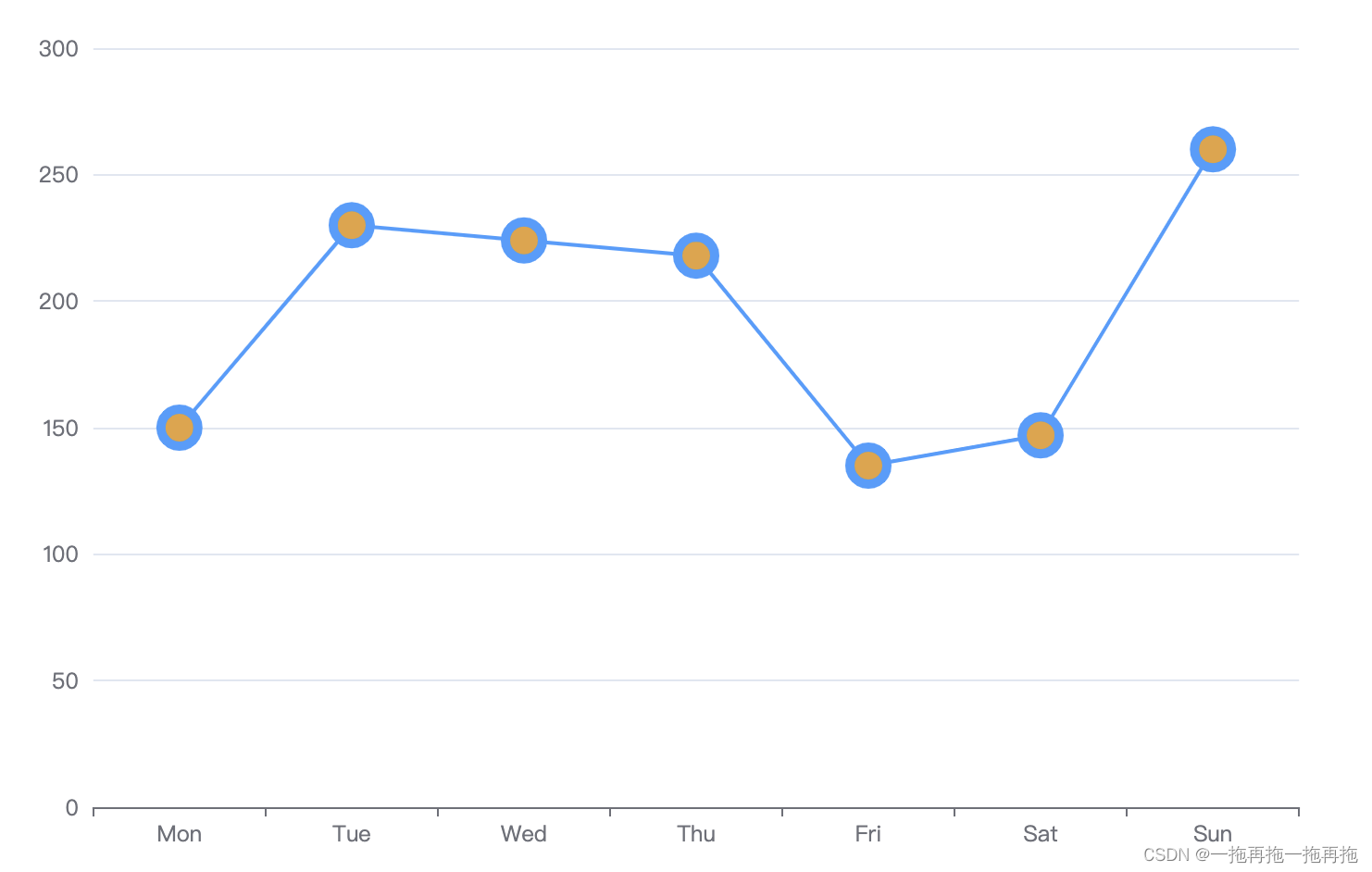
8:线条节点边框
series: [{data: [150, 230, 224, 218, 135, 147, 260],type: 'line',symbol: 'circle',symbolSize: 20,itemStyle: {normal: {color: '#E6A23C',lineStyle: {color: '#409EFF',},borderColor: '#409EFF',borderWidth: 5}},}
]
9:线条节点边框阴影
series: [{data: [150, 230, 224, 218, 135, 147, 260],type: 'line',symbol: 'circle',symbolSize: 20,itemStyle: {normal: {color: '#E6A23C',lineStyle: {color: '#409EFF',},borderColor: '#409EFF',borderWidth: 5,shadowColor: 'rgba(0, 0, 0, 0.5)',shadowBlur: 10,shadowOffsetY: 10}},}
]

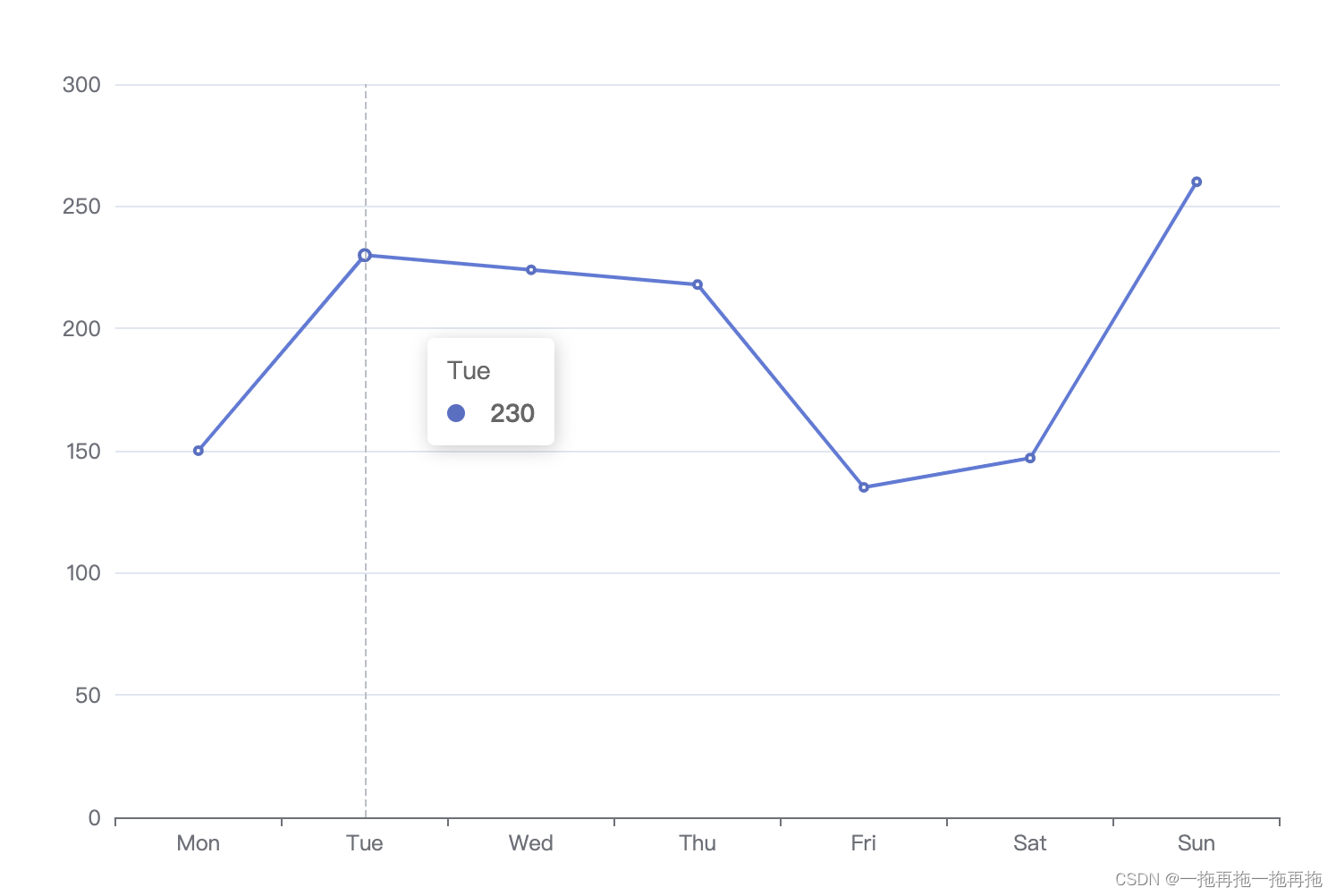
10:工具提醒
series: [{data: [150, 230, 224, 218, 135, 147, 260],type: 'line',itemStyle: {normal: {color: '#E6A23C',lineStyle: {color: '#409EFF',},}},tooltip: {trigger: 'axis'},}
]
11:工具提醒样式
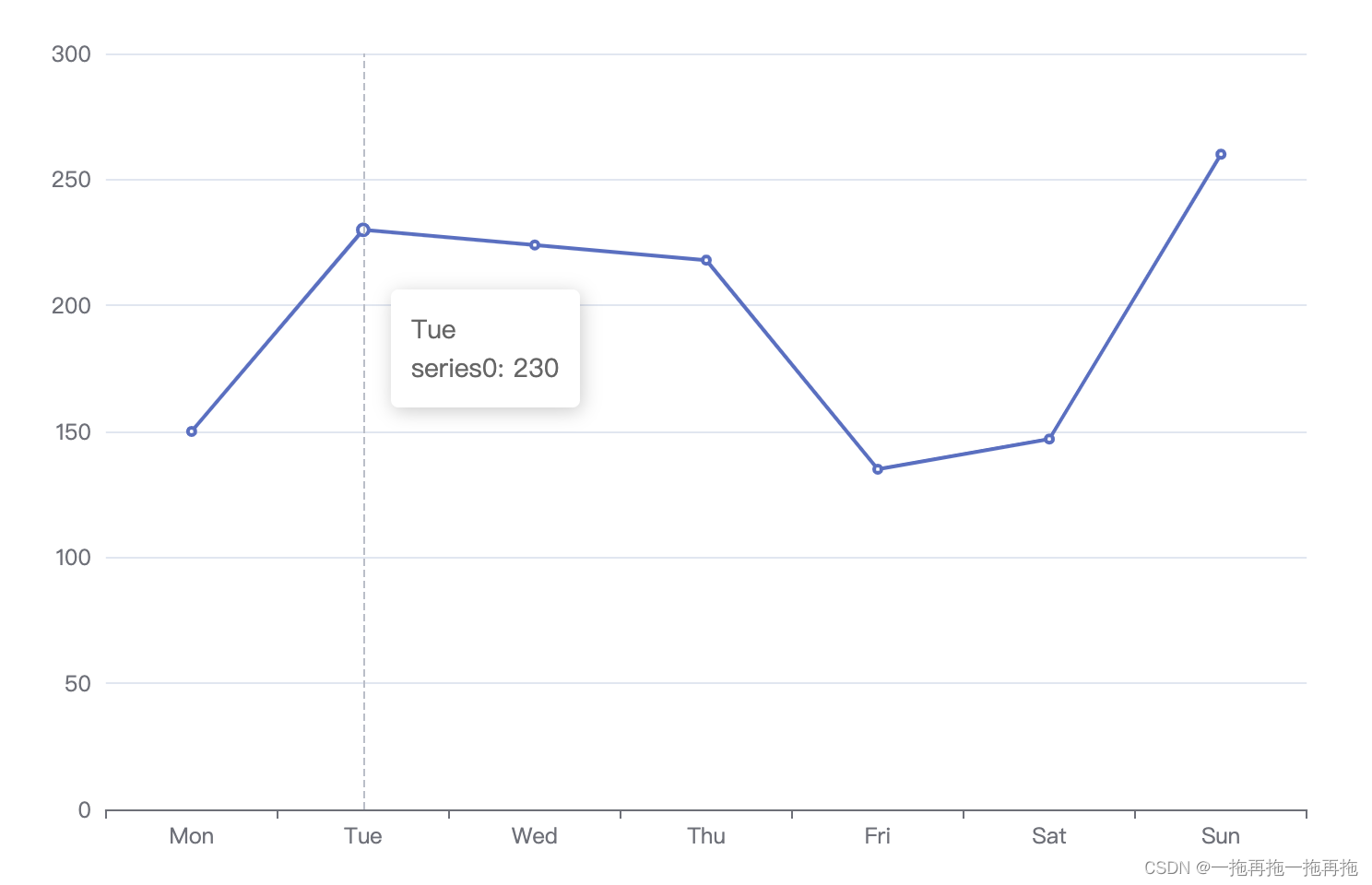
series: [{data: [150, 230, 224, 218, 135, 147, 260],type: 'line',itemStyle: {normal: {color: '#E6A23C',lineStyle: {color: '#409EFF',},}},tooltip: {trigger: 'axis',formatter: '{b}<br />{a}: {c}'},}
]
12:工具自定义提醒
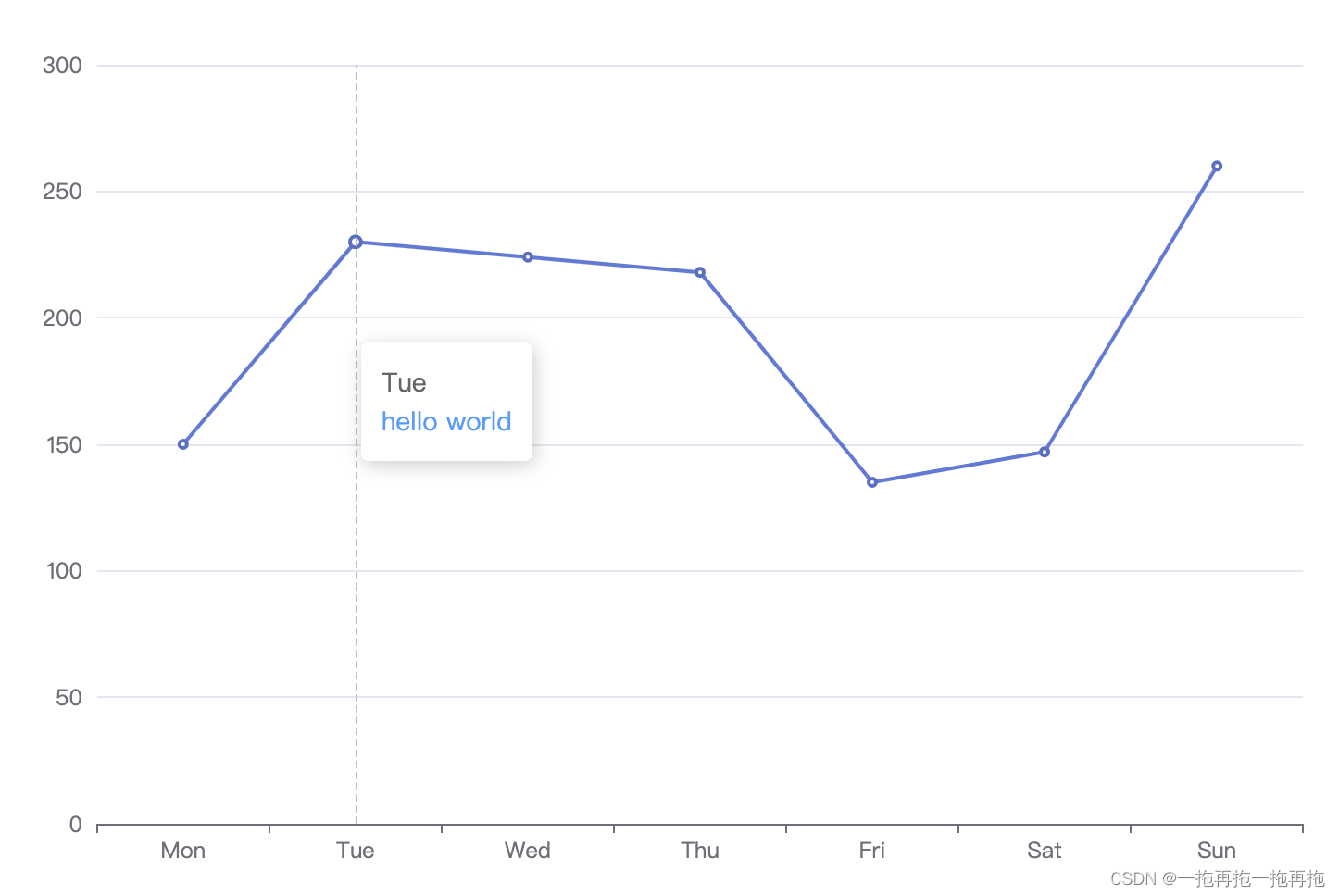
series: [{data: [150, 230, 224, 218, 135, 147, 260],type: 'line',itemStyle: {normal: {color: '#E6A23C',lineStyle: {color: '#409EFF',},}},tooltip: {trigger: 'axis',formatter: function (params) {return params[0].name + '<br /><span style="color:#409EFF">hello world<span>'}},}
]
13:工具提醒背景
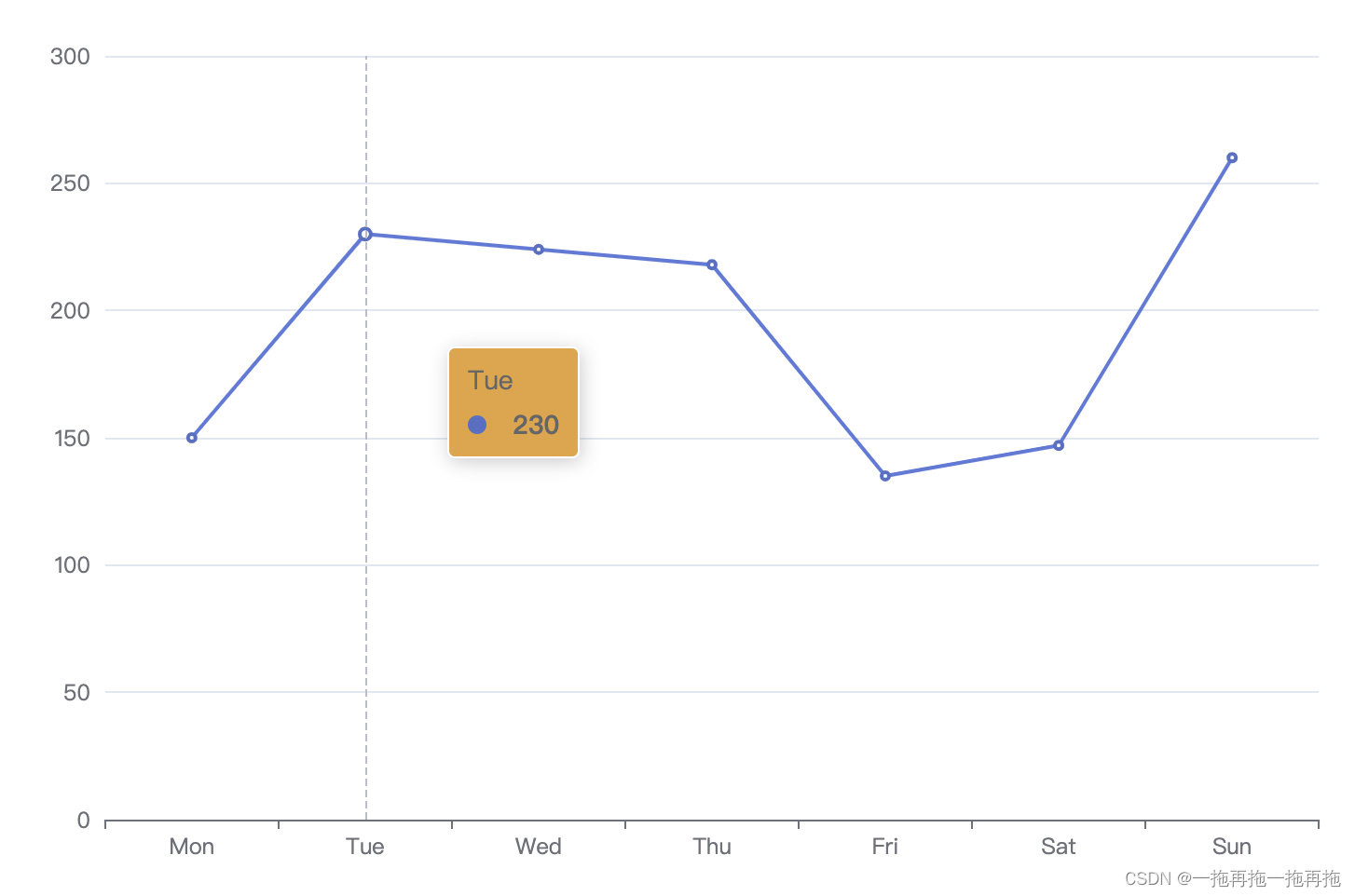
series: [{data: [150, 230, 224, 218, 135, 147, 260],type: 'line',itemStyle: {normal: {color: '#E6A23C',lineStyle: {color: '#409EFF',},}},tooltip: {trigger: 'axis',backgroundColor: '#E6A23C'},}
]
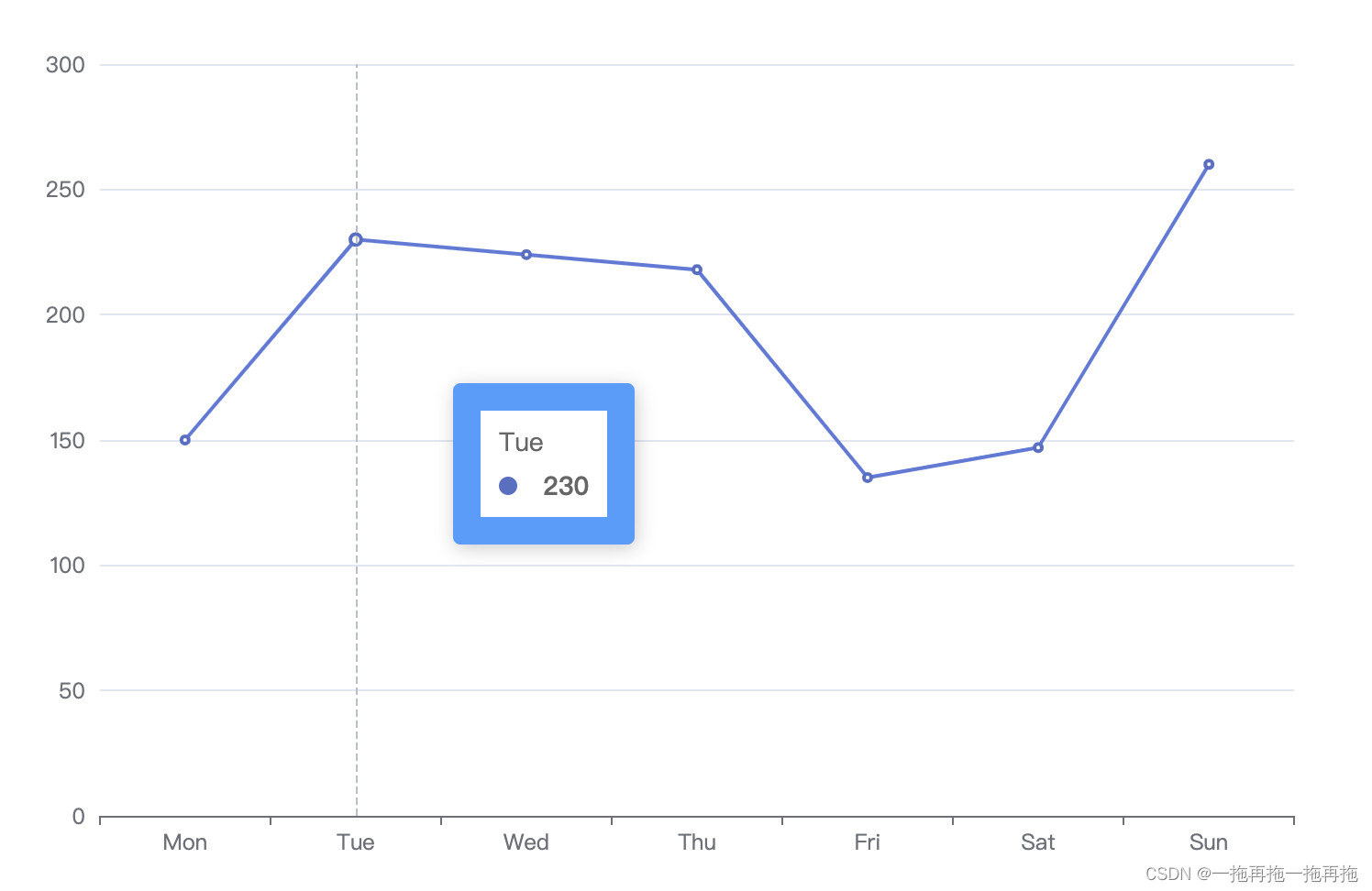
14:工具提醒边框
series: [{data: [150, 230, 224, 218, 135, 147, 260],type: 'line',itemStyle: {normal: {color: '#E6A23C',lineStyle: {color: '#409EFF',},}},tooltip: {trigger: 'axis',borderColor: '#409EFF',borderWidth: 15},}
]
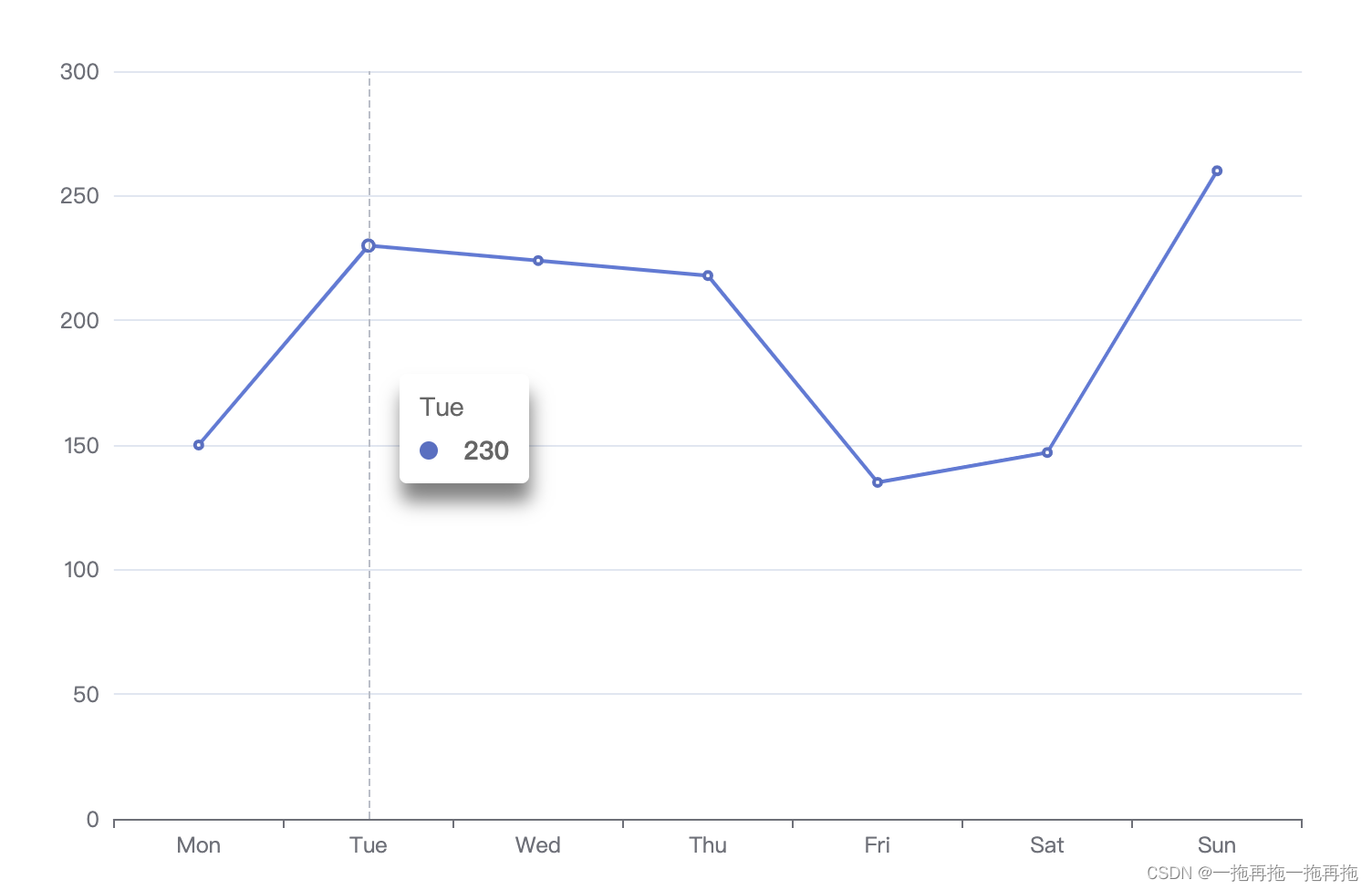
15:工具提醒阴影
series: [{data: [150, 230, 224, 218, 135, 147, 260],type: 'line',itemStyle: {normal: {color: '#E6A23C',lineStyle: {color: '#409EFF',},}},tooltip: {trigger: 'axis',shadowColor: 'rgba(0, 0, 0, 0.5)',shadowBlur: 10,shadowOffsetY: 10},}
]
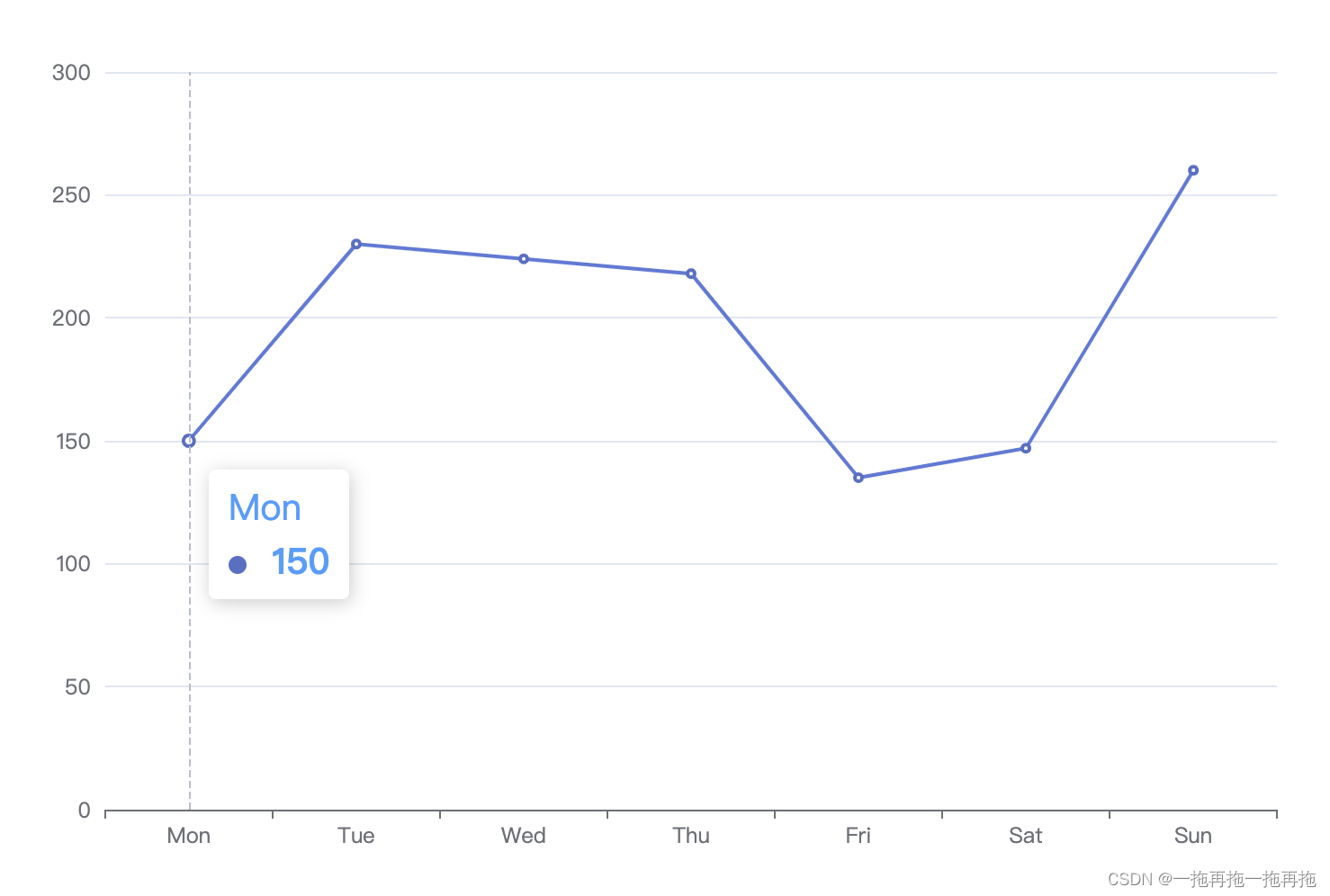
16:工具提醒文字样式
series: [{data: [150, 230, 224, 218, 135, 147, 260],type: 'line',itemStyle: {normal: {color: '#E6A23C',lineStyle: {color: '#409EFF',},}},tooltip: {trigger: 'axis',textStyle: {color: '#409EFF',fontSize: 20}},}
]
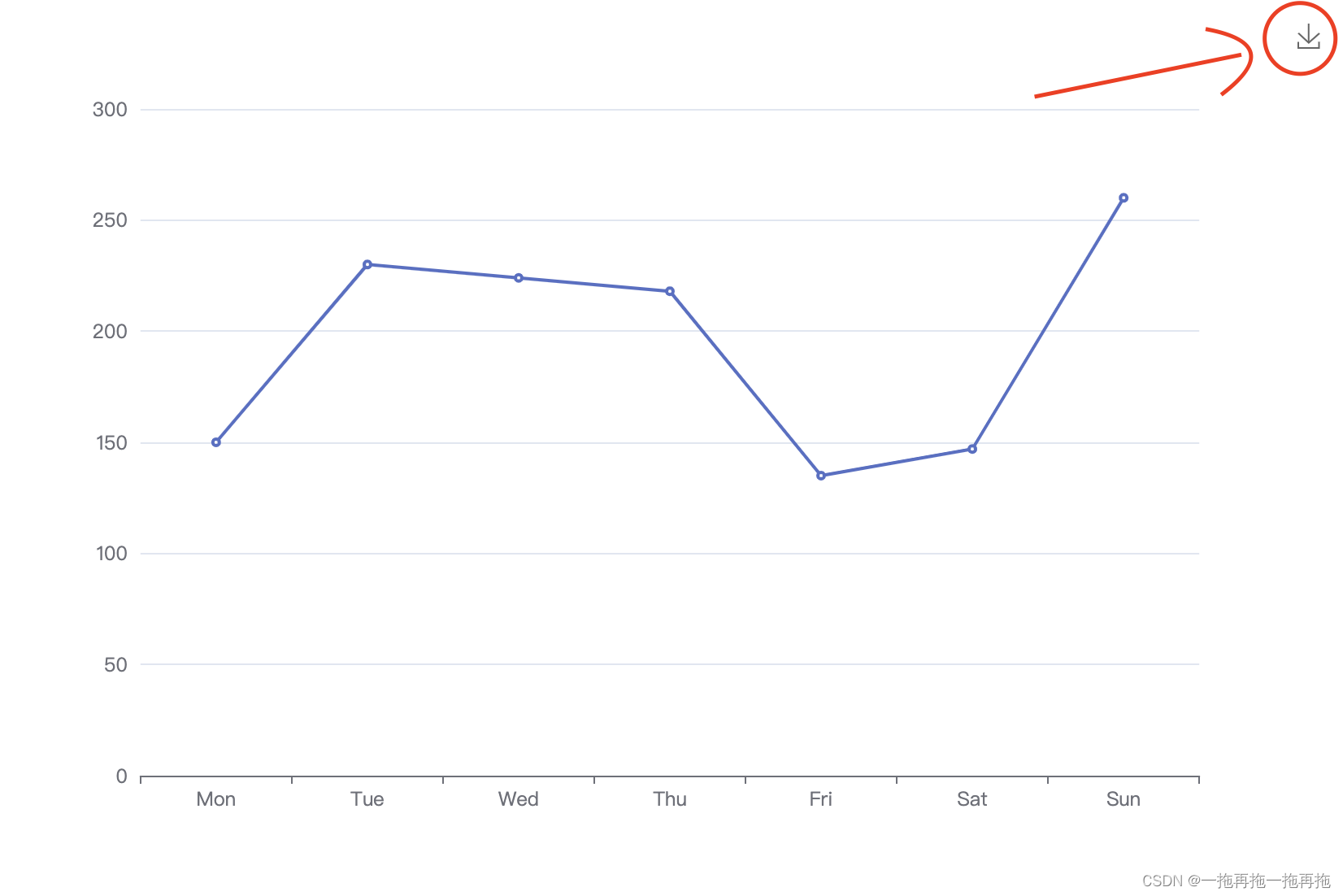
17:工具箱
option = {xAxis: {type: 'category',data: ['Mon', 'Tue', 'Wed', 'Thu', 'Fri', 'Sat', 'Sun']},yAxis: {type: 'value'},toolbox: {feature: {saveAsImage: {}}},series: [{data: [150, 230, 224, 218, 135, 147, 260],type: 'line'}]
};
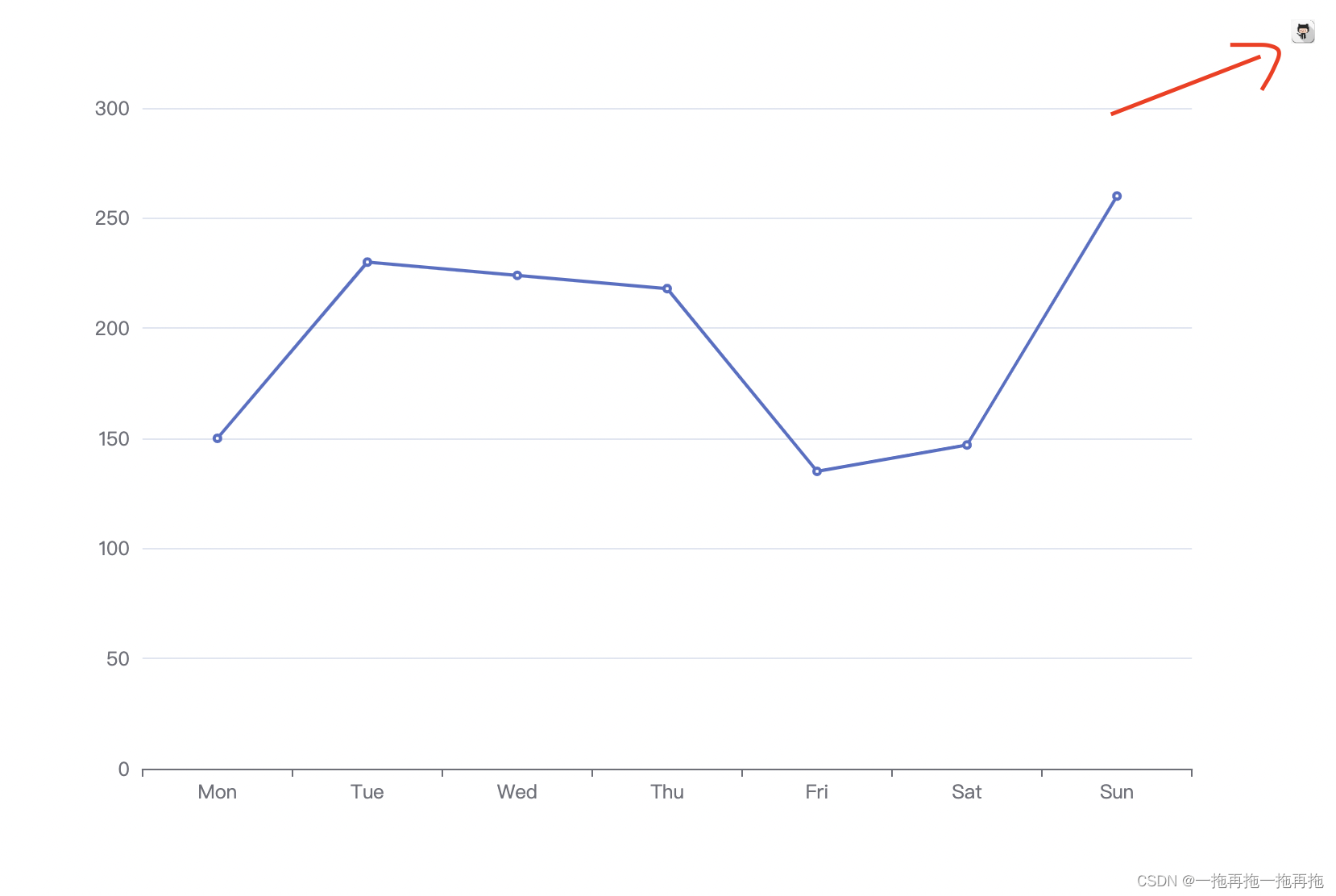
18:工具箱图标
option = {xAxis: {type: 'category',data: ['Mon', 'Tue', 'Wed', 'Thu', 'Fri', 'Sat', 'Sun']},yAxis: {type: 'value'},toolbox: {feature: {saveAsImage: {icon: 'image://https://img.88icon.com/download/jpg/202001/388cc11b509232e7b5a2340742aba2ef.jpg!88con'}}},series: [{data: [150, 230, 224, 218, 135, 147, 260],type: 'line'}]
};
19:工具箱标题
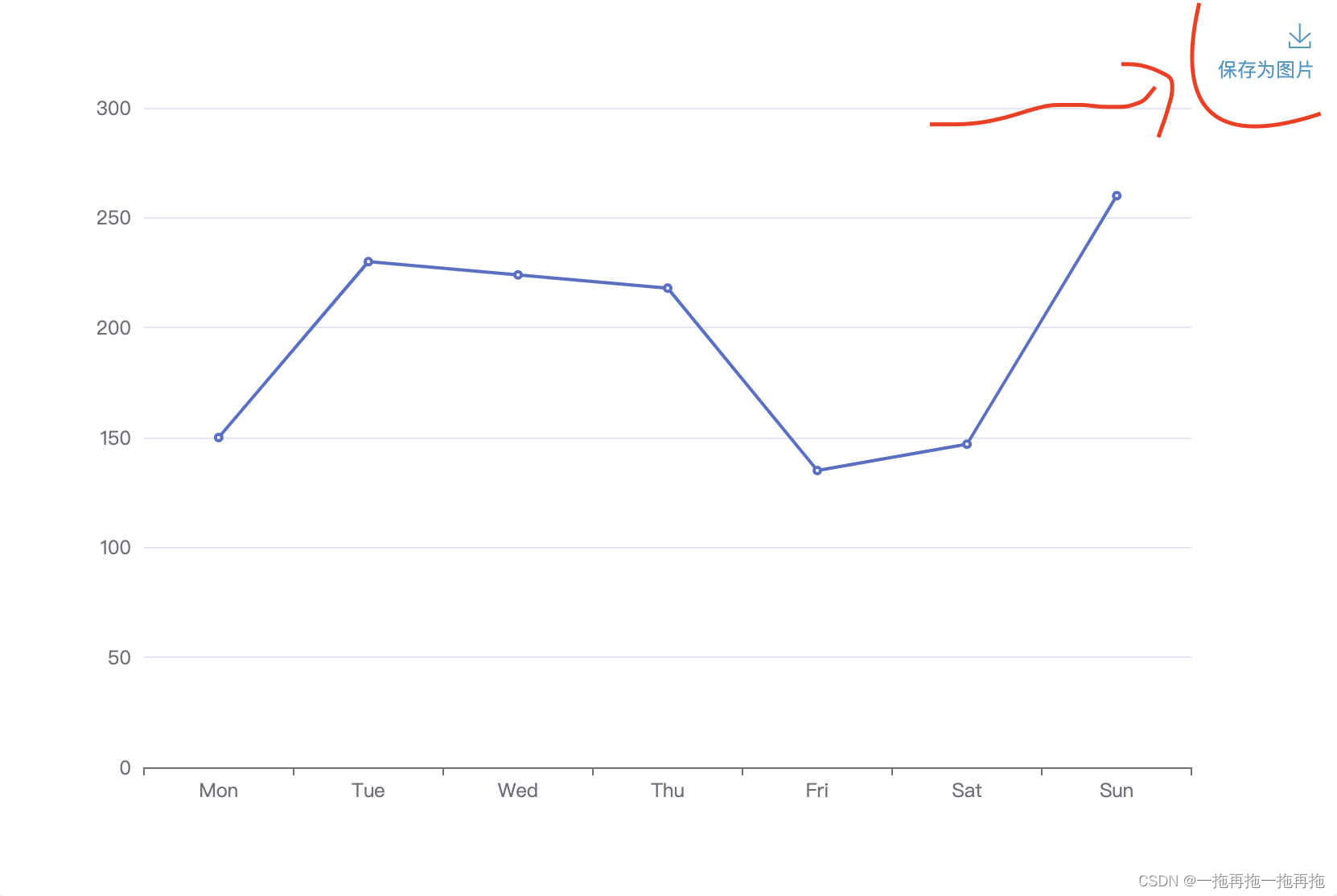
option = {xAxis: {type: 'category',data: ['Mon', 'Tue', 'Wed', 'Thu', 'Fri', 'Sat', 'Sun']},yAxis: {type: 'value'},toolbox: {feature: {saveAsImage: {title: '保存为图片'}}},series: [{data: [150, 230, 224, 218, 135, 147, 260],type: 'line'}]
};
20:工具箱功能
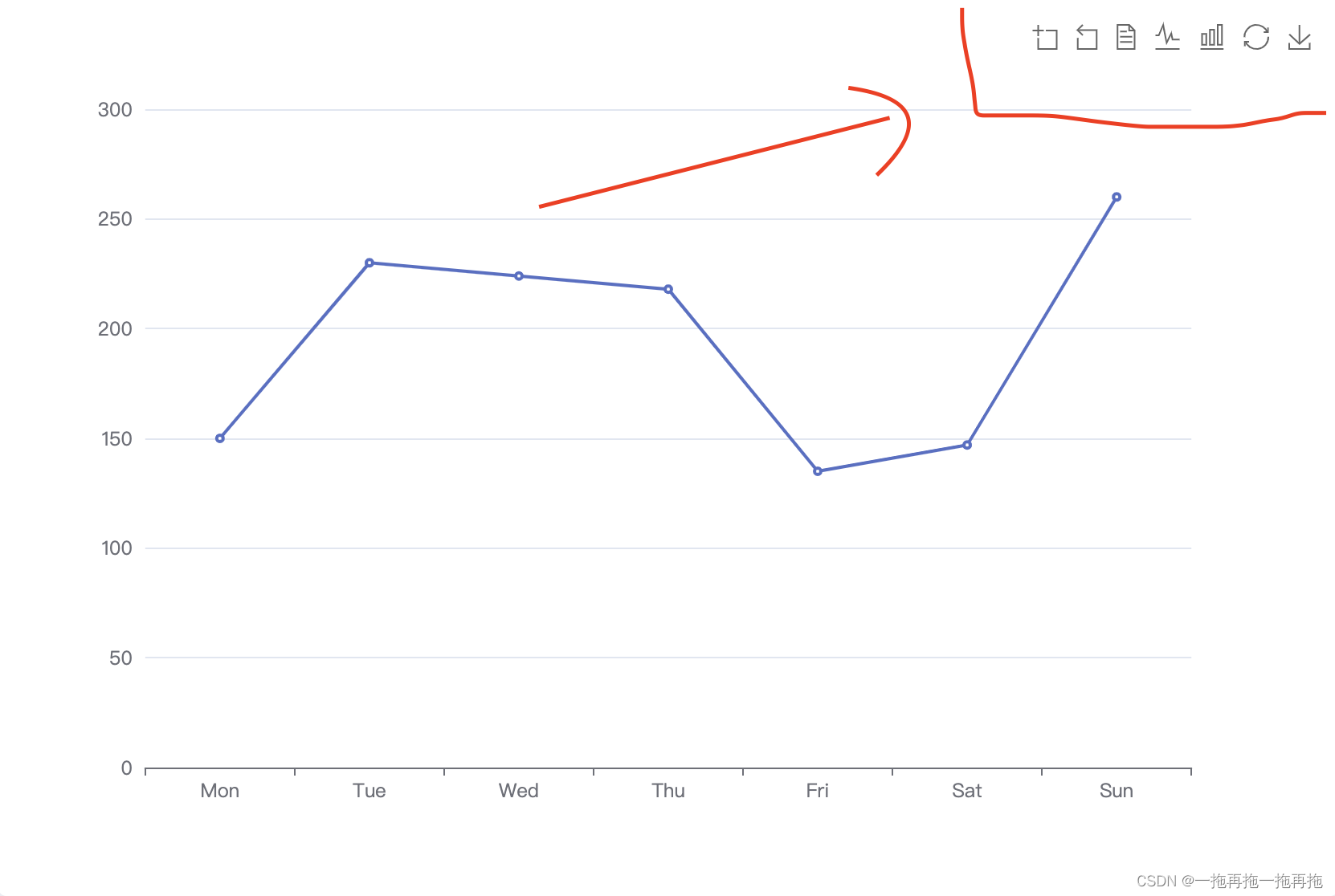
option = {xAxis: {type: 'category',data: ['Mon', 'Tue', 'Wed', 'Thu', 'Fri', 'Sat', 'Sun']},yAxis: {type: 'value'},toolbox: {feature: {dataZoom: {},dataView: {readOnly: false},magicType: {type: ['line', 'bar']},restore: {},saveAsImage: {}}},series: [{data: [150, 230, 224, 218, 135, 147, 260],type: 'line'}]
};
21:类别显示
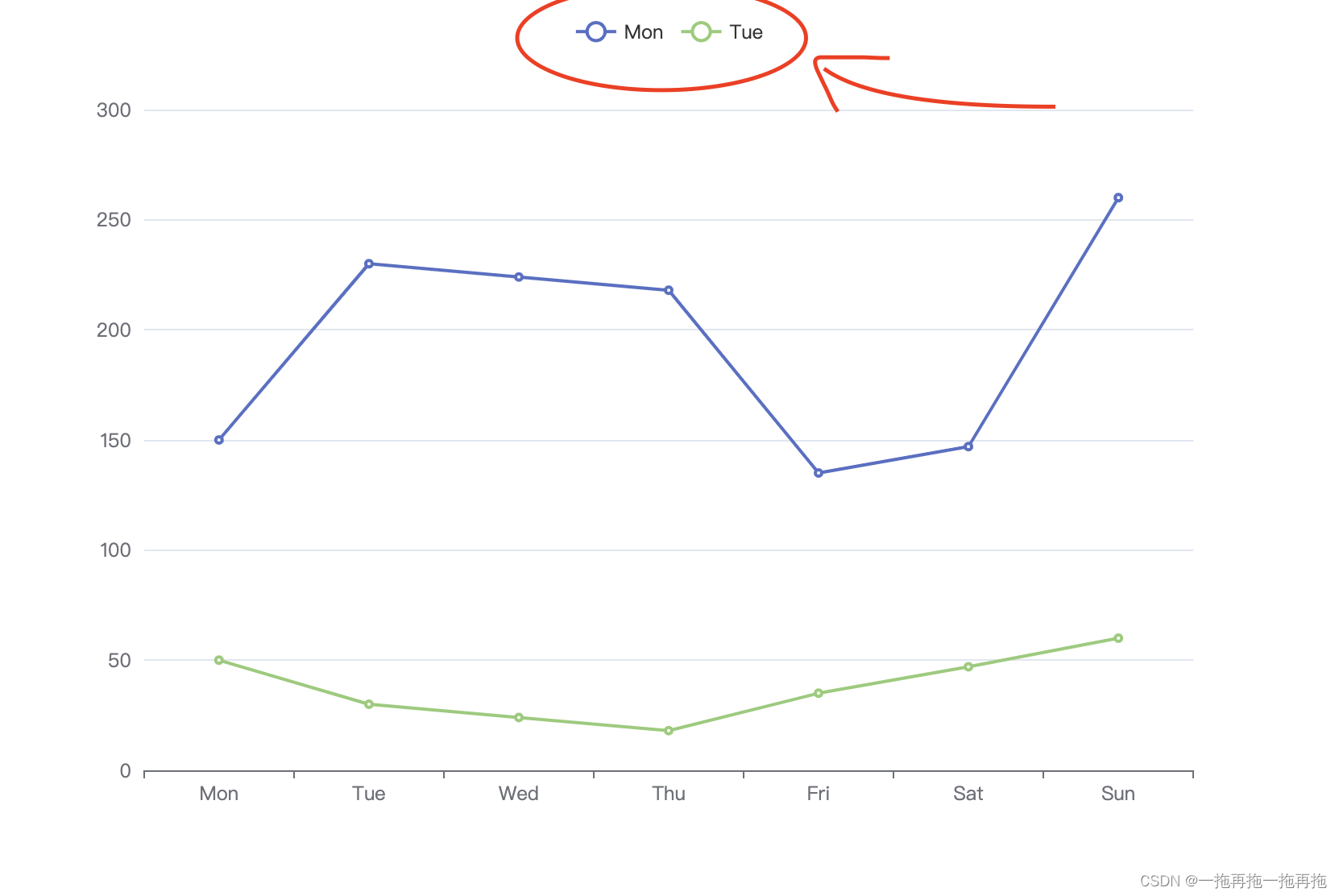
option = {xAxis: {type: 'category',data: ['Mon', 'Tue', 'Wed', 'Thu', 'Fri', 'Sat', 'Sun']},yAxis: {type: 'value'},legend: {data: ['Mon', 'Tue', 'Wed', 'Thu', 'Fri', 'Sat', 'Sun']},series: [{name:'Mon',data: [150, 230, 224, 218, 135, 147, 260],type: 'line'},{name:'Tue',data: [50, 30, 24, 18, 35, 47, 60],type: 'line'}]
};
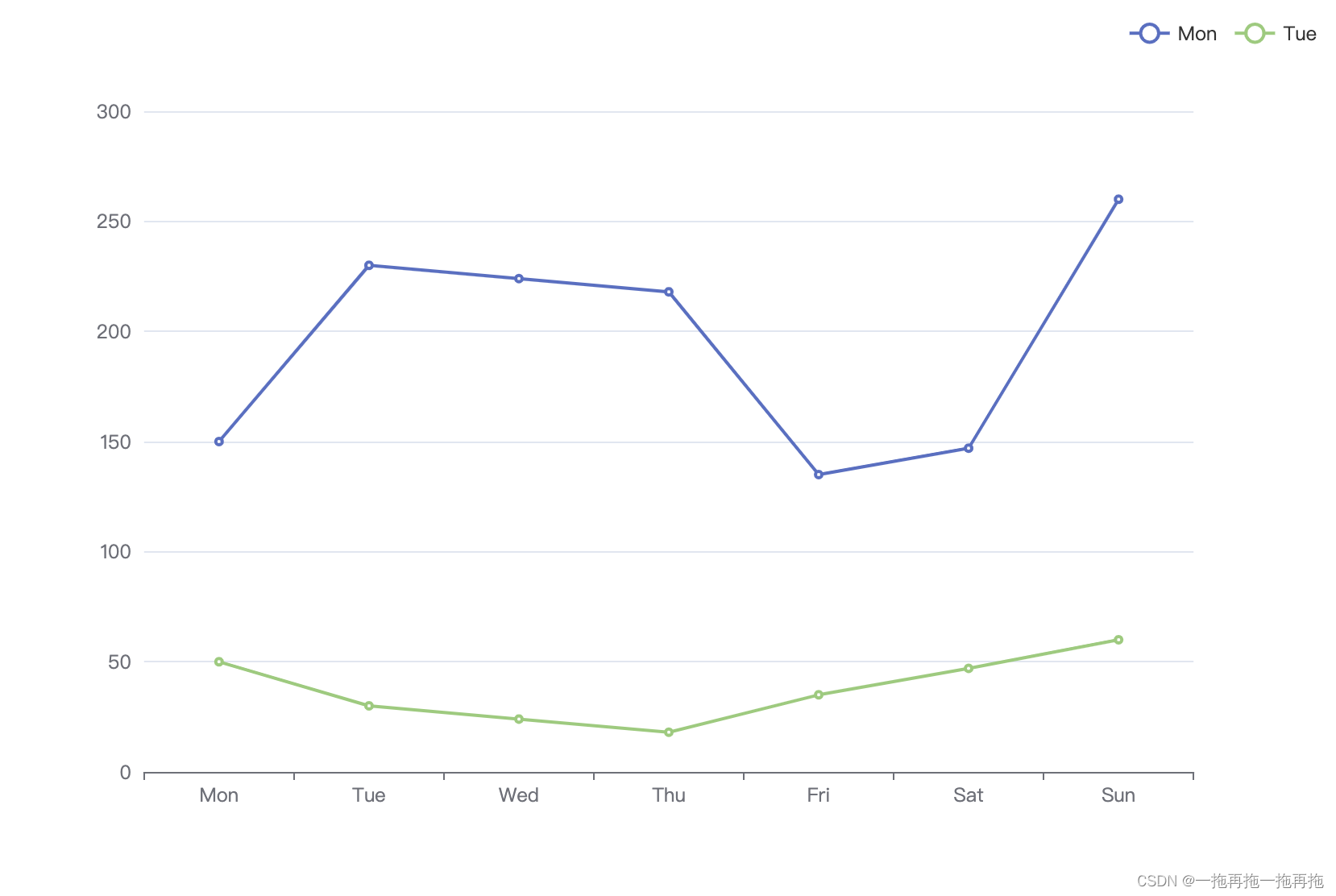
22:类别显示位置
option = {xAxis: {type: 'category',data: ['Mon', 'Tue', 'Wed', 'Thu', 'Fri', 'Sat', 'Sun']},yAxis: {type: 'value'},legend: {data: ['Mon', 'Tue', 'Wed', 'Thu', 'Fri', 'Sat', 'Sun'],left: 'right'},series: [{name:'Mon',data: [150, 230, 224, 218, 135, 147, 260],type: 'line'},{name:'Tue',data: [50, 30, 24, 18, 35, 47, 60],type: 'line'}]
};
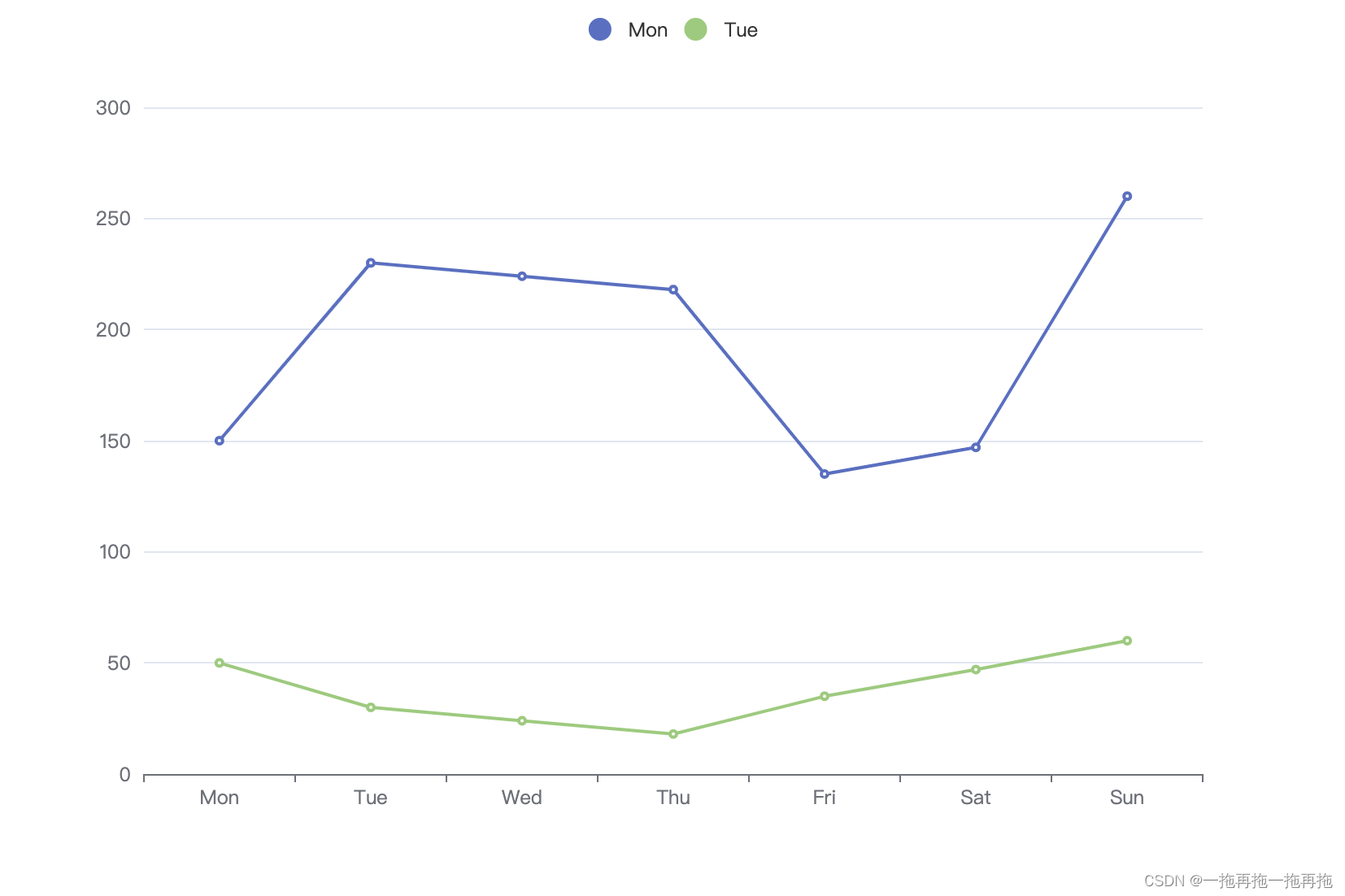
23:类别显示图标
option = {xAxis: {type: 'category',data: ['Mon', 'Tue', 'Wed', 'Thu', 'Fri', 'Sat', 'Sun']},yAxis: {type: 'value'},legend: {data: ['Mon', 'Tue', 'Wed', 'Thu', 'Fri', 'Sat', 'Sun'],icon: 'circle'},series: [{name:'Mon',data: [150, 230, 224, 218, 135, 147, 260],type: 'line'},{name:'Tue',data: [50, 30, 24, 18, 35, 47, 60],type: 'line'}]
};
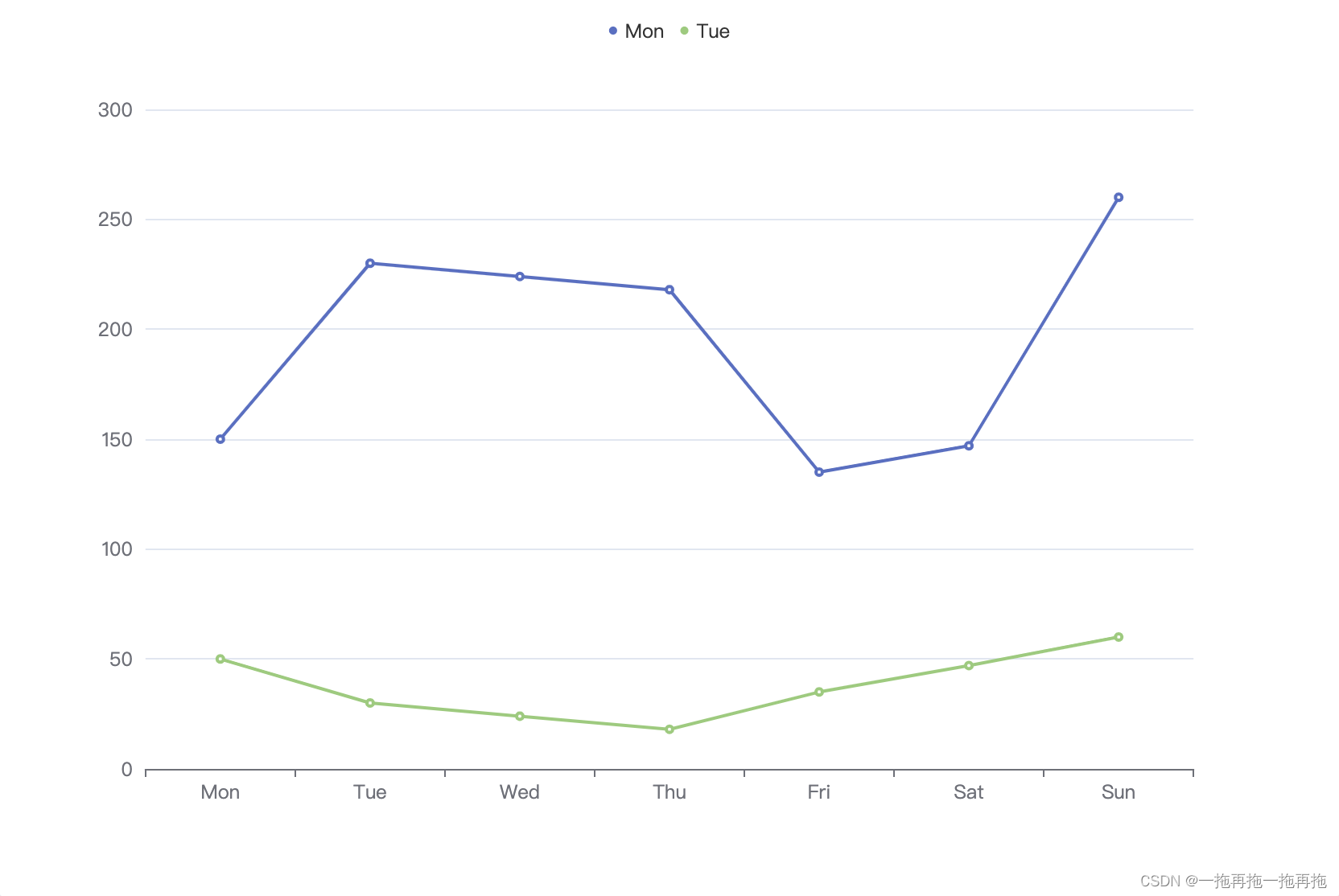
24:类别显示图标大小
option = {xAxis: {type: 'category',data: ['Mon', 'Tue', 'Wed', 'Thu', 'Fri', 'Sat', 'Sun']},yAxis: {type: 'value'},legend: {data: ['Mon', 'Tue', 'Wed', 'Thu', 'Fri', 'Sat', 'Sun'],icon: 'circle',itemWidth: 20,itemHeight: 20},series: [{name:'Mon',data: [150, 230, 224, 218, 135, 147, 260],type: 'line'},{name:'Tue',data: [50, 30, 24, 18, 35, 47, 60],type: 'line'}]
};
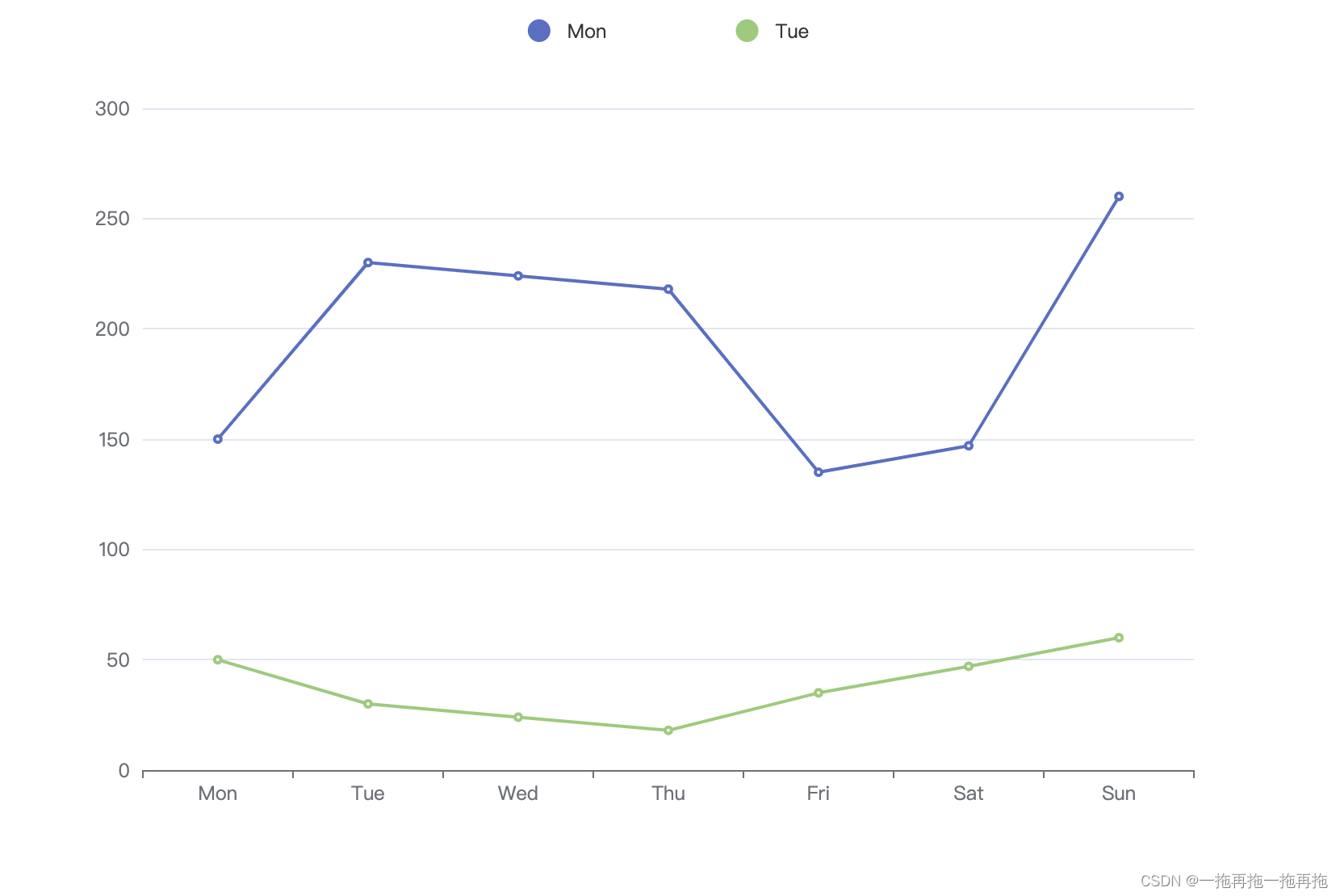
25:类别显示图标间距
option = {xAxis: {type: 'category',data: ['Mon', 'Tue', 'Wed', 'Thu', 'Fri', 'Sat', 'Sun']},yAxis: {type: 'value'},legend: {data: ['Mon', 'Tue', 'Wed', 'Thu', 'Fri', 'Sat', 'Sun'],icon: 'circle',itemGap: 20},series: [{name:'Mon',data: [150, 230, 224, 218, 135, 147, 260],type: 'line'},{name:'Tue',data: [50, 30, 24, 18, 35, 47, 60],type: 'line'}]
};
26:类别显示图标文字大小
option = {xAxis: {type: 'category',data: ['Mon', 'Tue', 'Wed', 'Thu', 'Fri', 'Sat', 'Sun']},yAxis: {type: 'value'},legend: {data: ['Mon', 'Tue', 'Wed', 'Thu', 'Fri', 'Sat', 'Sun'],icon: 'circle',textStyle: {fontSize: 20}},series: [{name:'Mon',data: [150, 230, 224, 218, 135, 147, 260],type: 'line'},{name:'Tue',data: [50, 30, 24, 18, 35, 47, 60],type: 'line'}]
};

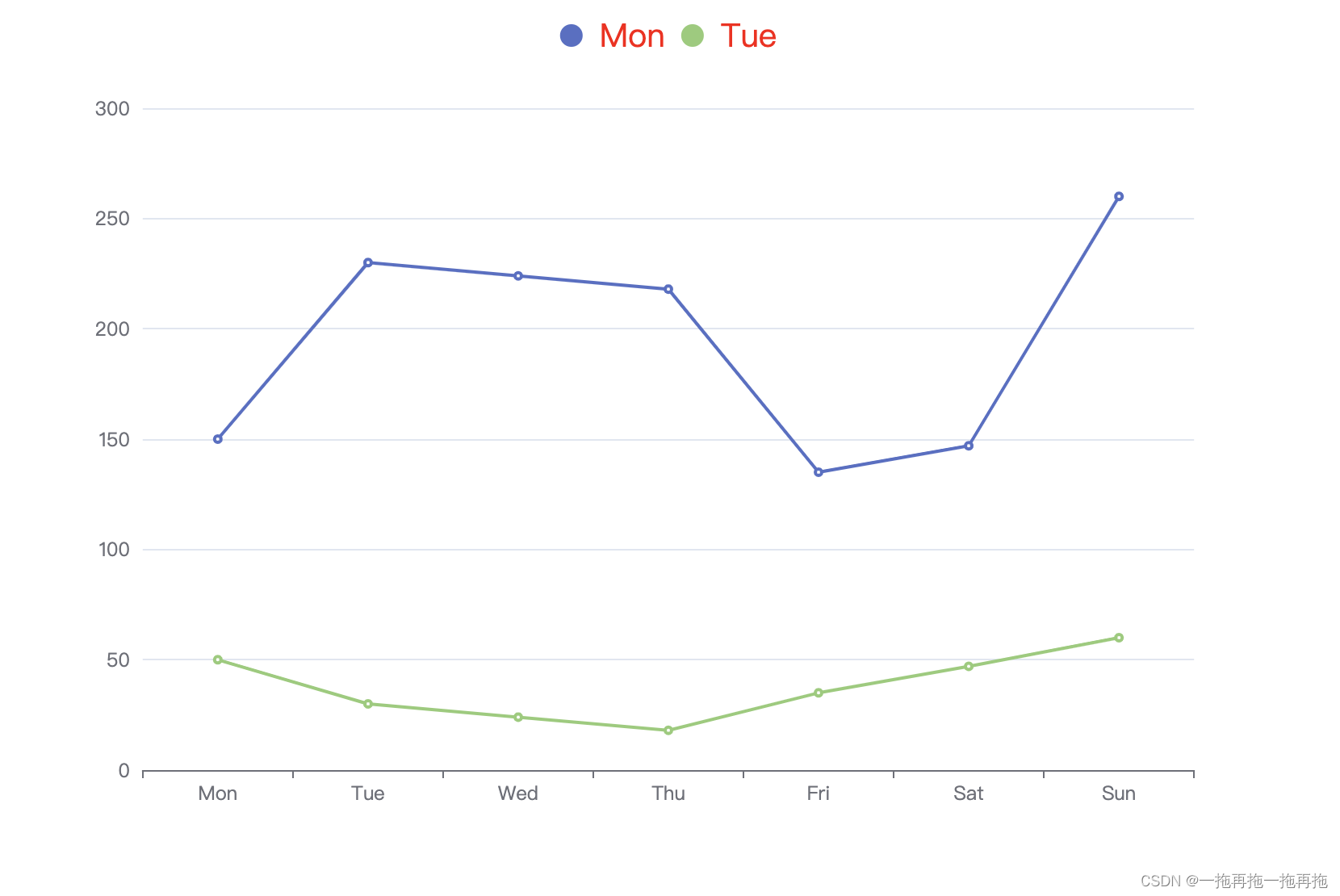
27:类别显示图标文字颜色
option = {xAxis: {type: 'category',data: ['Mon', 'Tue', 'Wed', 'Thu', 'Fri', 'Sat', 'Sun']},yAxis: {type: 'value'},legend: {data: ['Mon', 'Tue', 'Wed', 'Thu', 'Fri', 'Sat', 'Sun'],icon: 'circle',textStyle: {color: 'red'}},series: [{name:'Mon',data: [150, 230, 224, 218, 135, 147, 260],type: 'line'},{name:'Tue',data: [50, 30, 24, 18, 35, 47, 60],type: 'line'}]
};
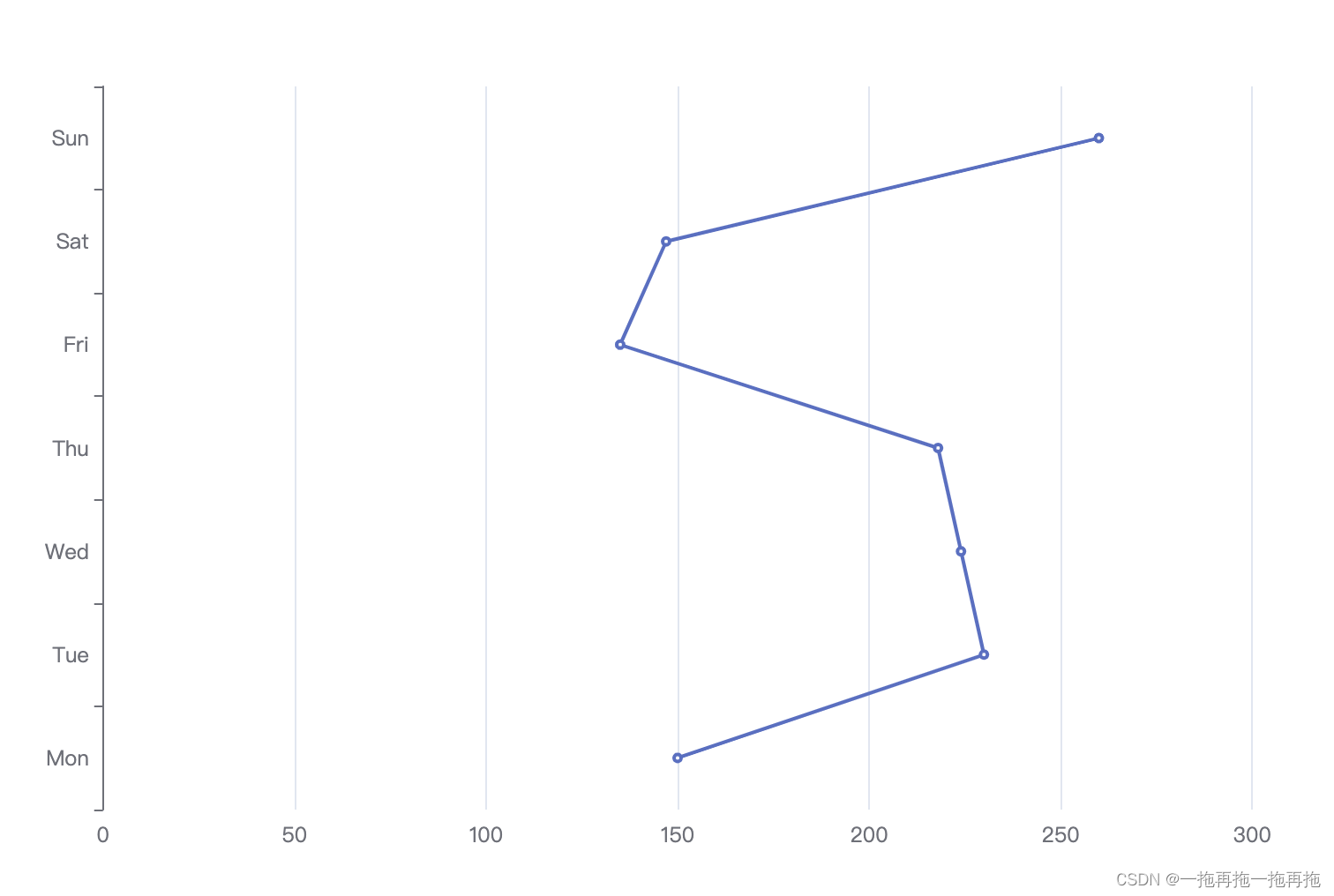
28:轴方向(同其他,如柱状图等)
option = {xAxis: {type: 'value'},yAxis: {type: 'category',data: ['Mon', 'Tue', 'Wed', 'Thu', 'Fri', 'Sat', 'Sun']},series: [{data: [150, 230, 224, 218, 135, 147, 260],type: 'line'}]
};
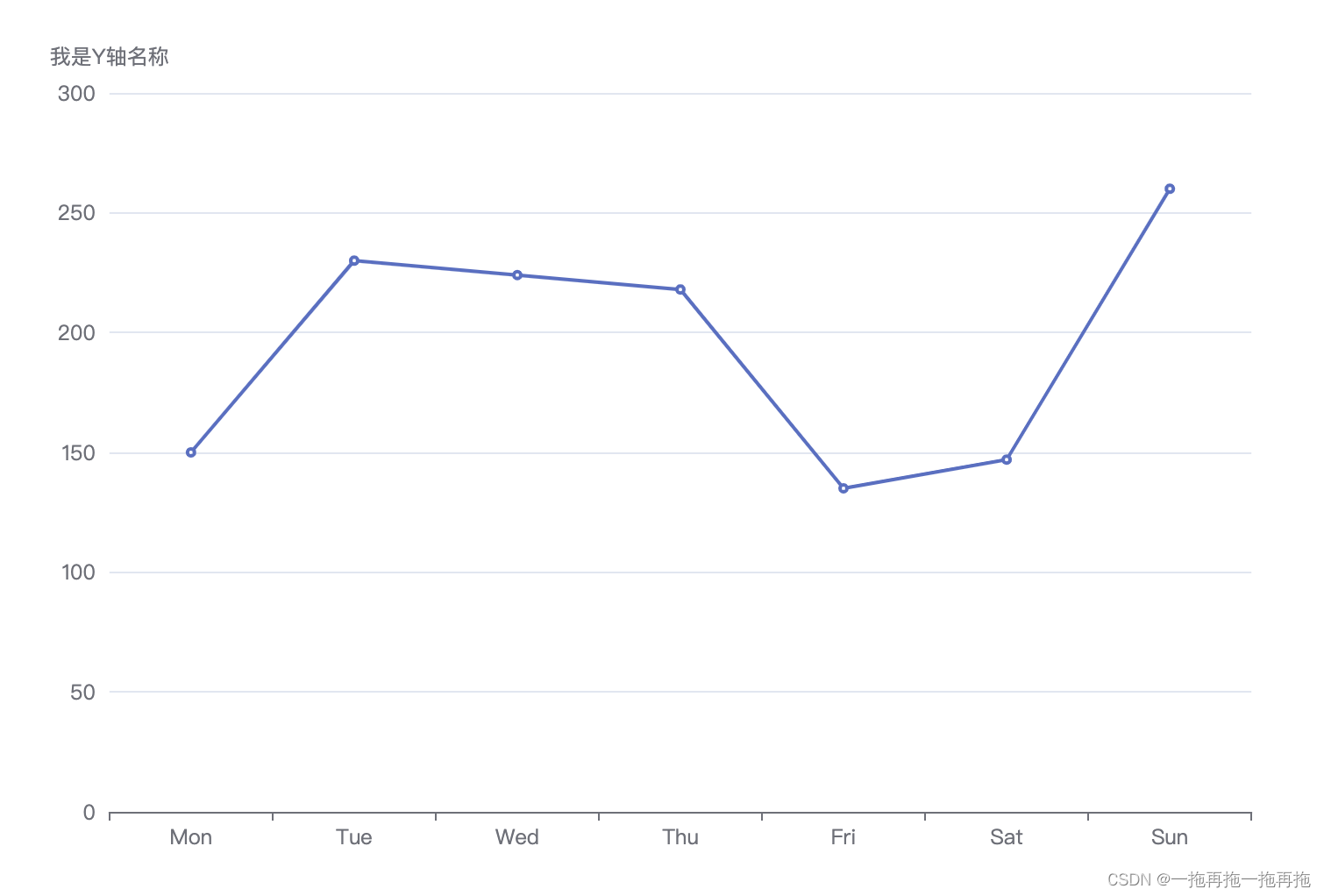
29:坐标轴名称
option = {xAxis: {type: 'category',data: ['Mon', 'Tue', 'Wed', 'Thu', 'Fri', 'Sat', 'Sun']},yAxis: {type: 'value',name: '我是Y轴名称'},series: [{data: [150, 230, 224, 218, 135, 147, 260],type: 'line'}]
};
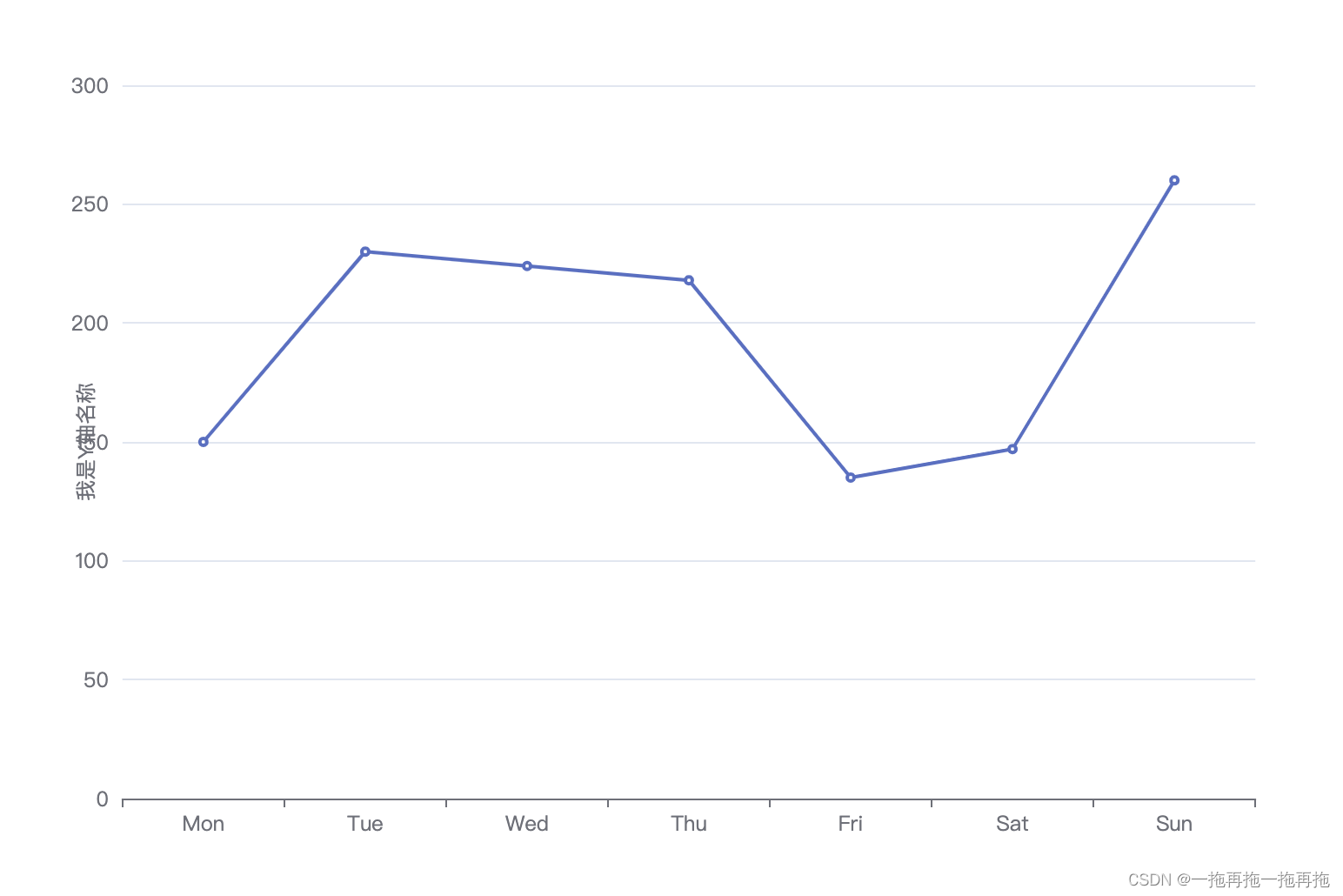
30:坐标轴名称位置
option = {xAxis: {type: 'category',data: ['Mon', 'Tue', 'Wed', 'Thu', 'Fri', 'Sat', 'Sun']},yAxis: {type: 'value',name: '我是Y轴名称',nameLocation: 'middle'},series: [{data: [150, 230, 224, 218, 135, 147, 260],type: 'line'}]
};
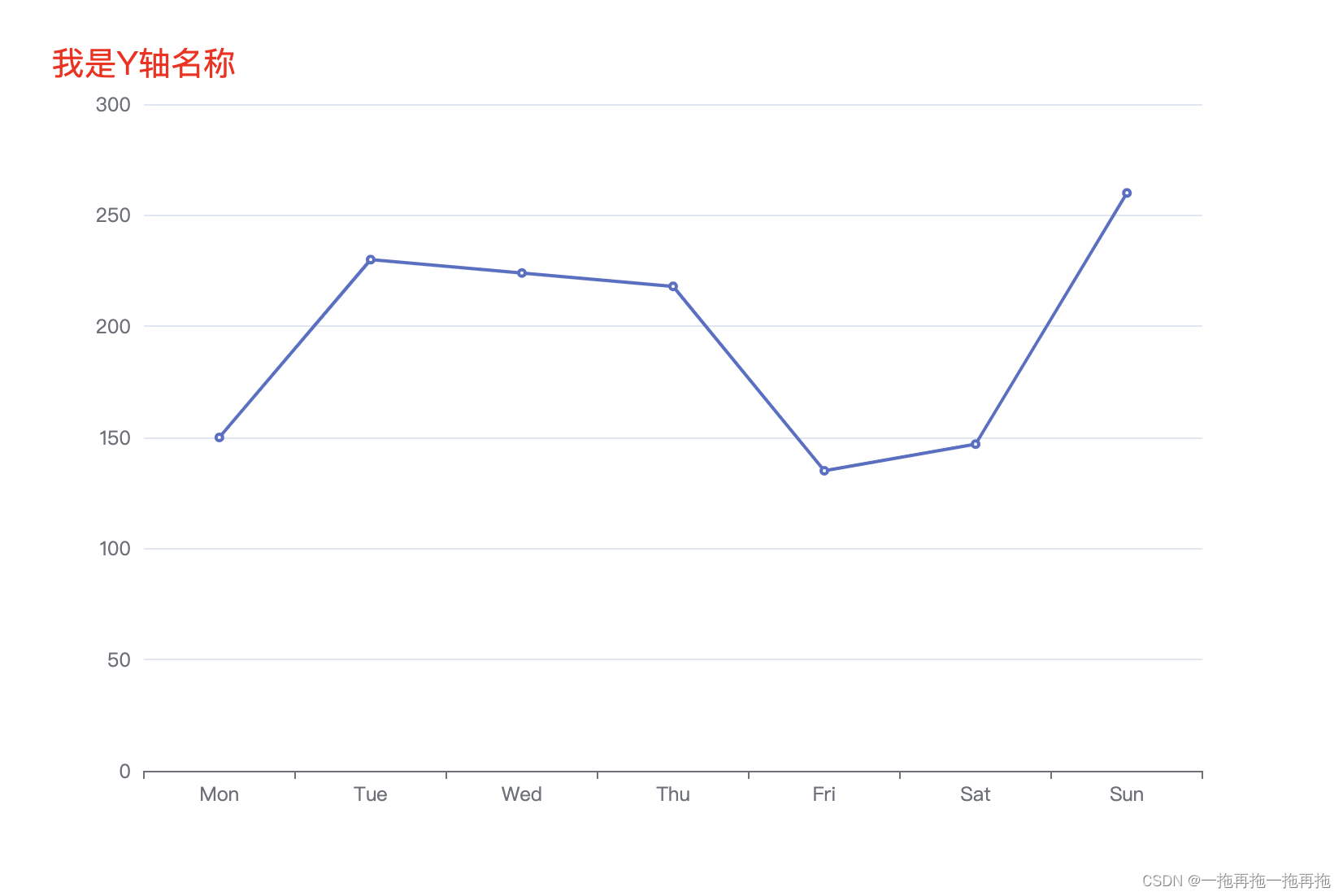
31:坐标轴名称文字样式
option = {xAxis: {type: 'category',data: ['Mon', 'Tue', 'Wed', 'Thu', 'Fri', 'Sat', 'Sun']},yAxis: {type: 'value',name: '我是Y轴名称',nameTextStyle: {color: 'red',fontSize: 20}},series: [{data: [150, 230, 224, 218, 135, 147, 260],type: 'line'}]
};
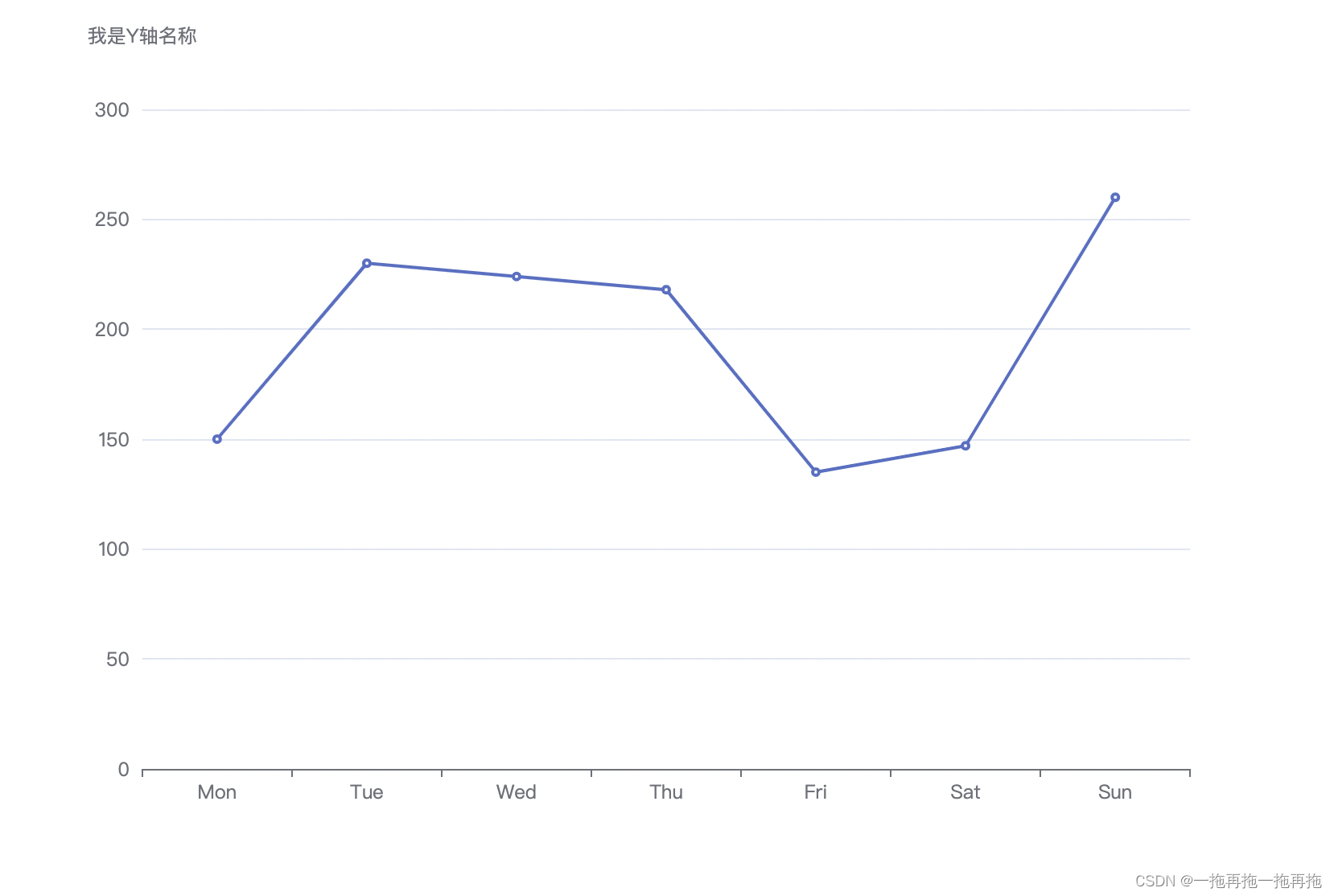
32:坐标轴名称与轴线之间的距离
option = {xAxis: {type: 'category',data: ['Mon', 'Tue', 'Wed', 'Thu', 'Fri', 'Sat', 'Sun']},yAxis: {type: 'value',name: '我是Y轴名称',nameGap: 20},series: [{data: [150, 230, 224, 218, 135, 147, 260],type: 'line'}]
};
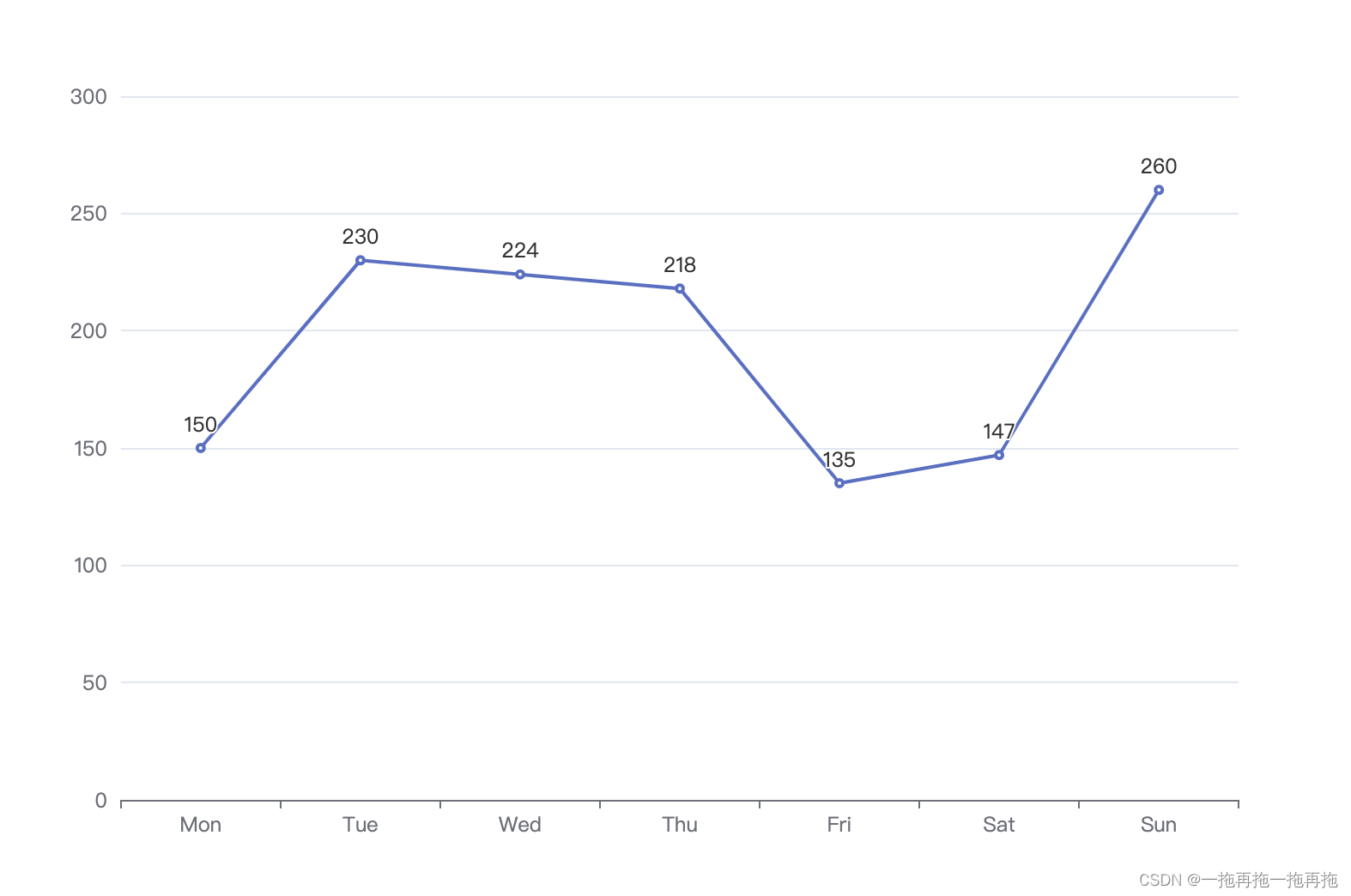
33:显示标签
option = {xAxis: {type: 'category',data: ['Mon', 'Tue', 'Wed', 'Thu', 'Fri', 'Sat', 'Sun']},yAxis: {type: 'value'},series: [{data: [150, 230, 224, 218, 135, 147, 260],type: 'line',label: {show: true}}]
};
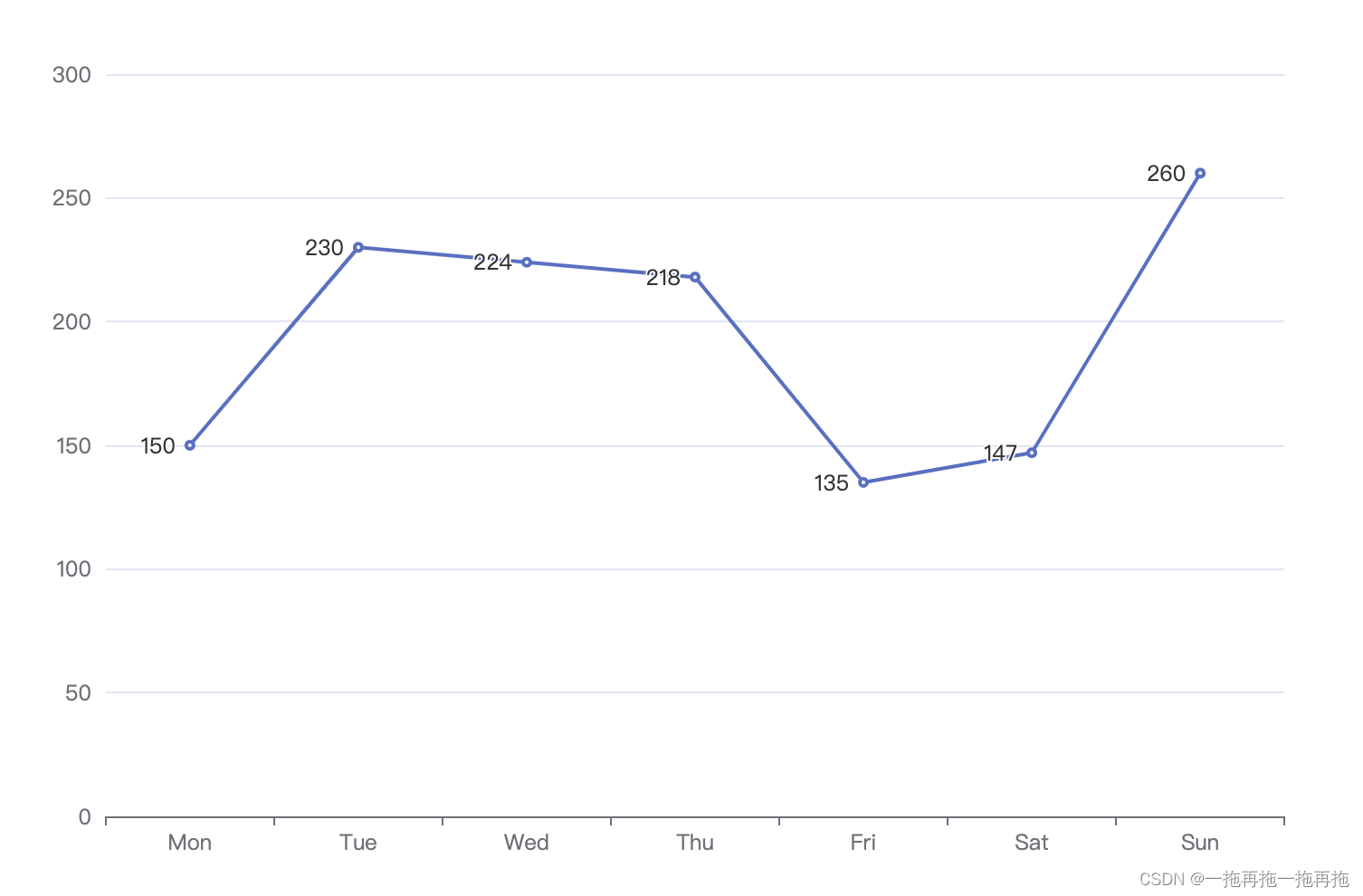
34:标签位置
option = {xAxis: {type: 'category',data: ['Mon', 'Tue', 'Wed', 'Thu', 'Fri', 'Sat', 'Sun']},yAxis: {type: 'value'},series: [{data: [150, 230, 224, 218, 135, 147, 260],type: 'line',label: {show: true,position: 'left'}}]
};
35:标签文字样式
option = {xAxis: {type: 'category',data: ['Mon', 'Tue', 'Wed', 'Thu', 'Fri', 'Sat', 'Sun']},yAxis: {type: 'value'},series: [{data: [150, 230, 224, 218, 135, 147, 260],type: 'line',label: {show: true,position: 'left',textStyle: {color: 'red',fontSize: 20}}}]
};

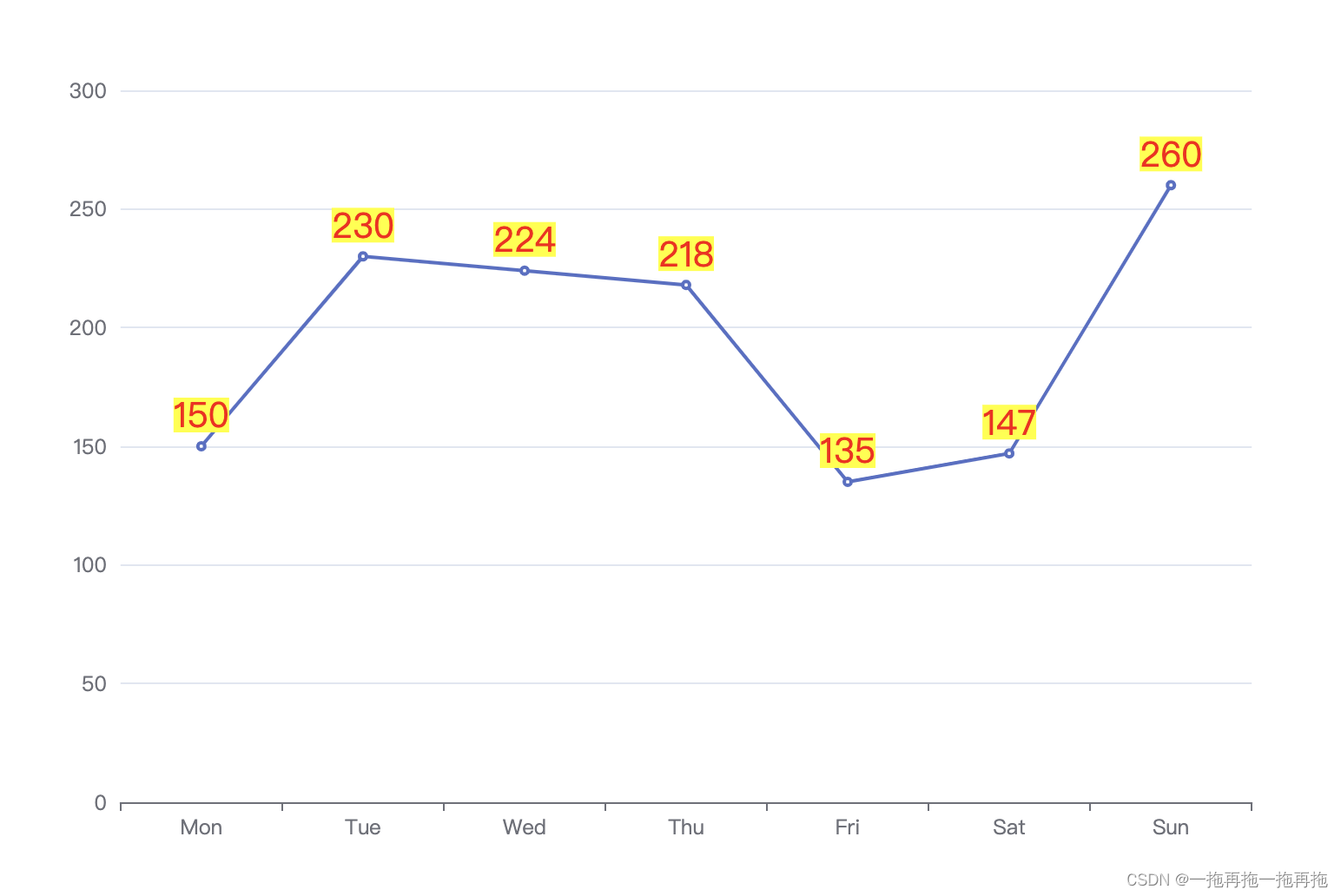
36:标签背景色
option = {xAxis: {type: 'category',data: ['Mon', 'Tue', 'Wed', 'Thu', 'Fri', 'Sat', 'Sun']},yAxis: {type: 'value'},series: [{data: [150, 230, 224, 218, 135, 147, 260],type: 'line',label: {show: true,textStyle: {color: 'red',fontSize: 20},backgroundColor: 'yellow'}}]
};
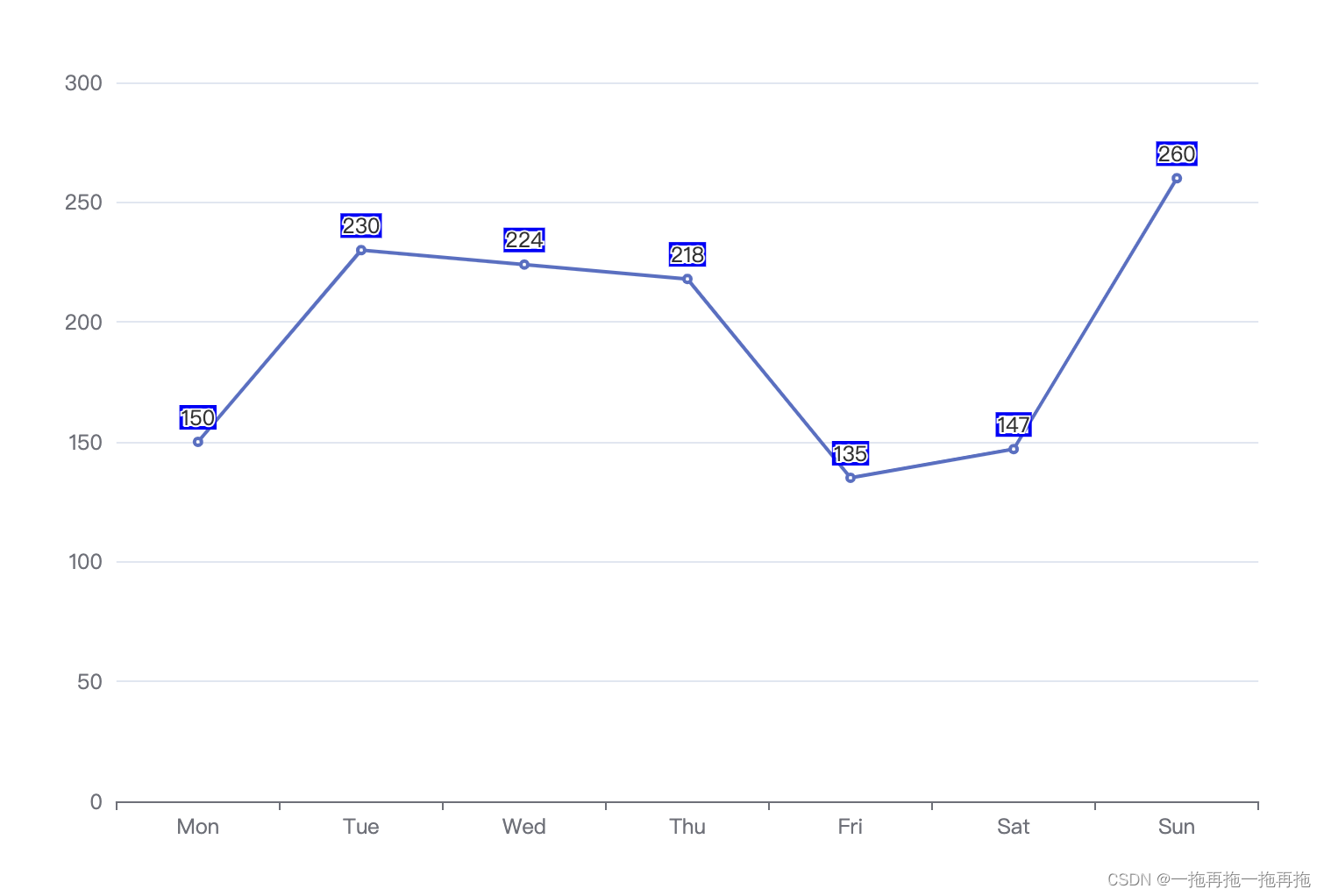
37:标签边框
option = {xAxis: {type: 'category',data: ['Mon', 'Tue', 'Wed', 'Thu', 'Fri', 'Sat', 'Sun']},yAxis: {type: 'value'},series: [{data: [150, 230, 224, 218, 135, 147, 260],type: 'line',label: {show: true,borderColor: 'blue',borderWidth: 2}}]
};
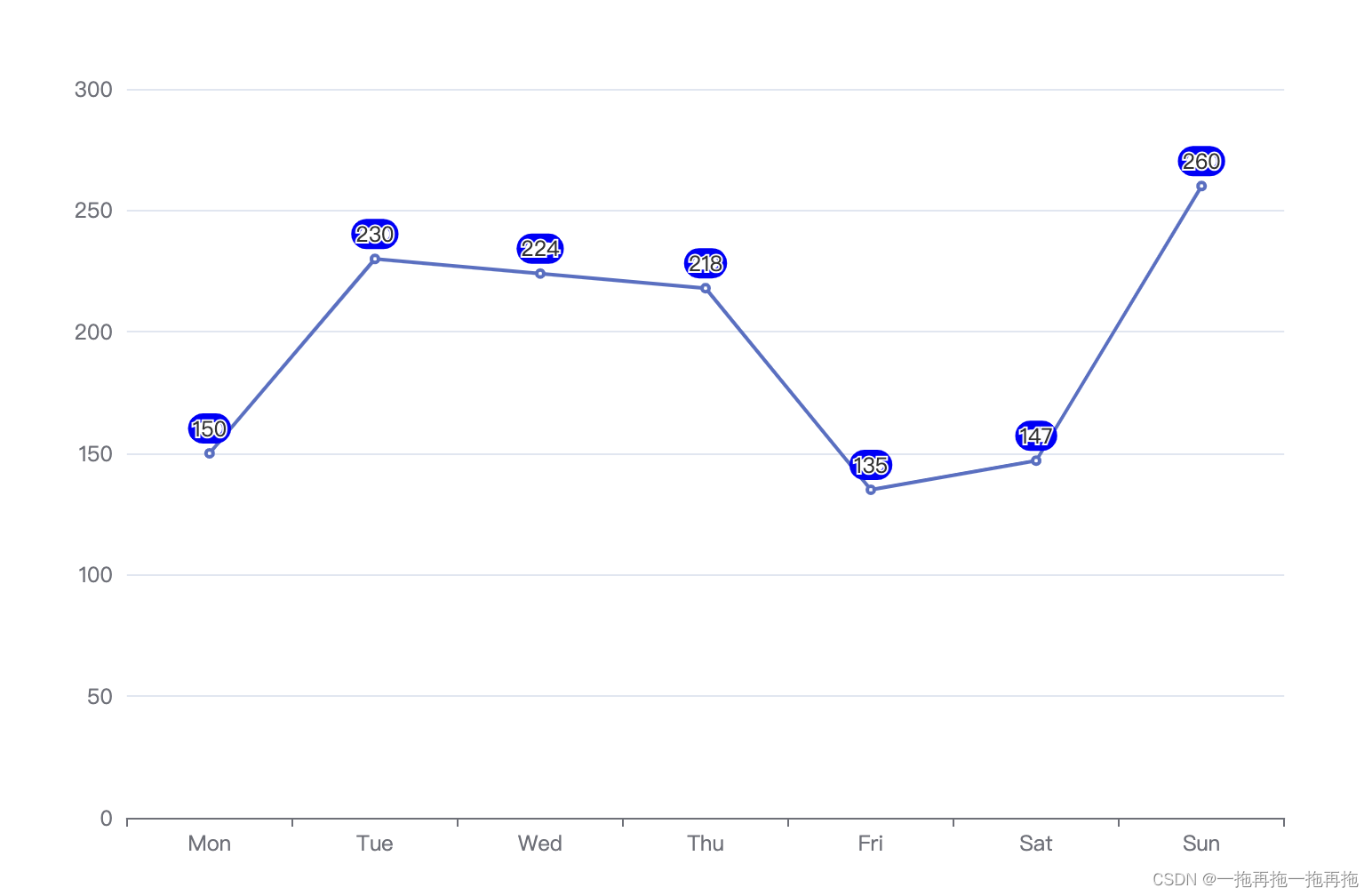
38:标签边框圆角
option = {xAxis: {type: 'category',data: ['Mon', 'Tue', 'Wed', 'Thu', 'Fri', 'Sat', 'Sun']},yAxis: {type: 'value'},series: [{data: [150, 230, 224, 218, 135, 147, 260],type: 'line',label: {show: true,borderRadius: 10}}]
};
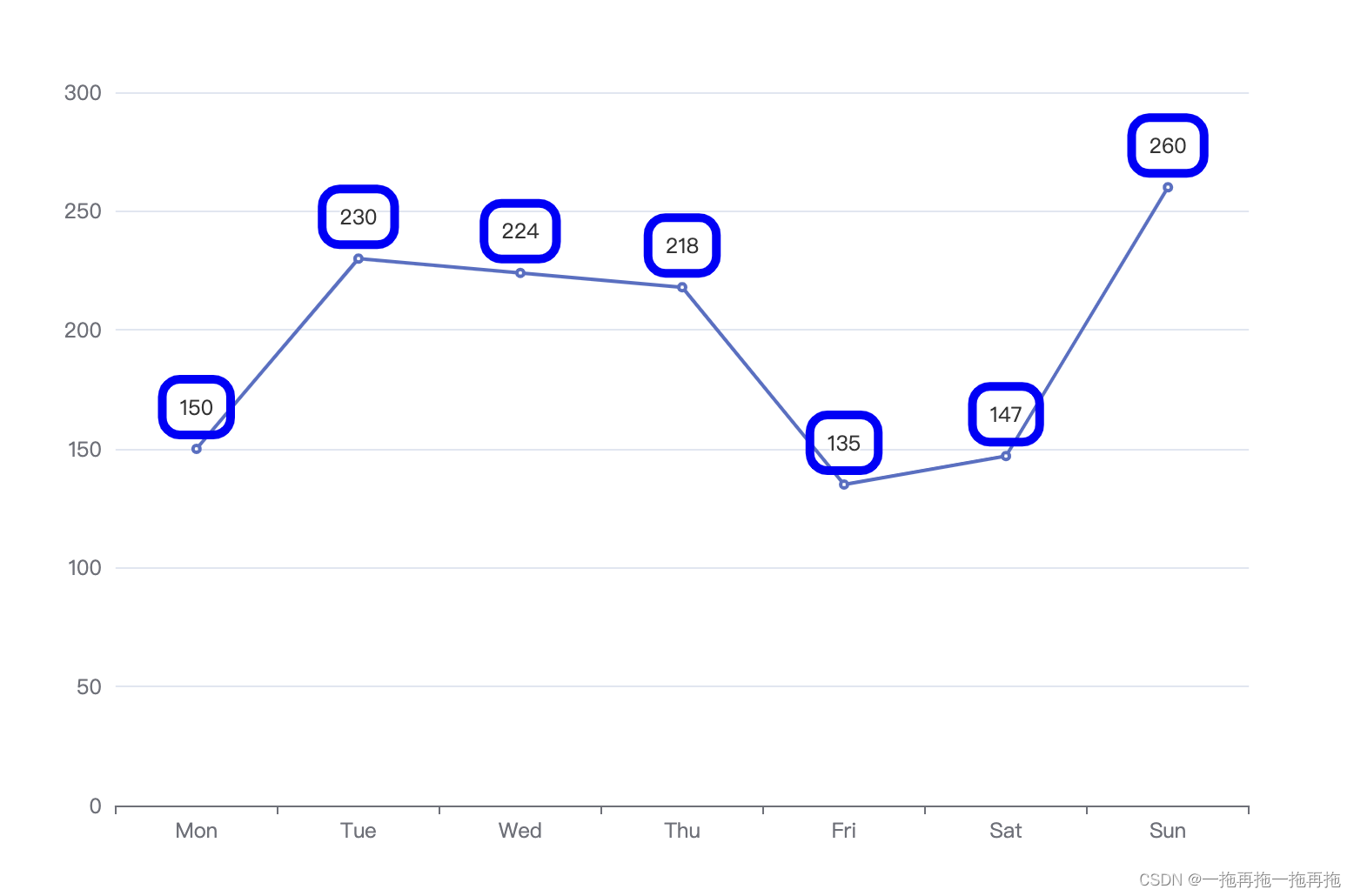
39:标签内边距
option = {xAxis: {type: 'category',data: ['Mon', 'Tue', 'Wed', 'Thu', 'Fri', 'Sat', 'Sun']},yAxis: {type: 'value'},series: [{data: [150, 230, 224, 218, 135, 147, 260],type: 'line',label: {show: true,borderColor: 'blue',borderWidth: 5,borderRadius: 10,padding: 10}}]
};
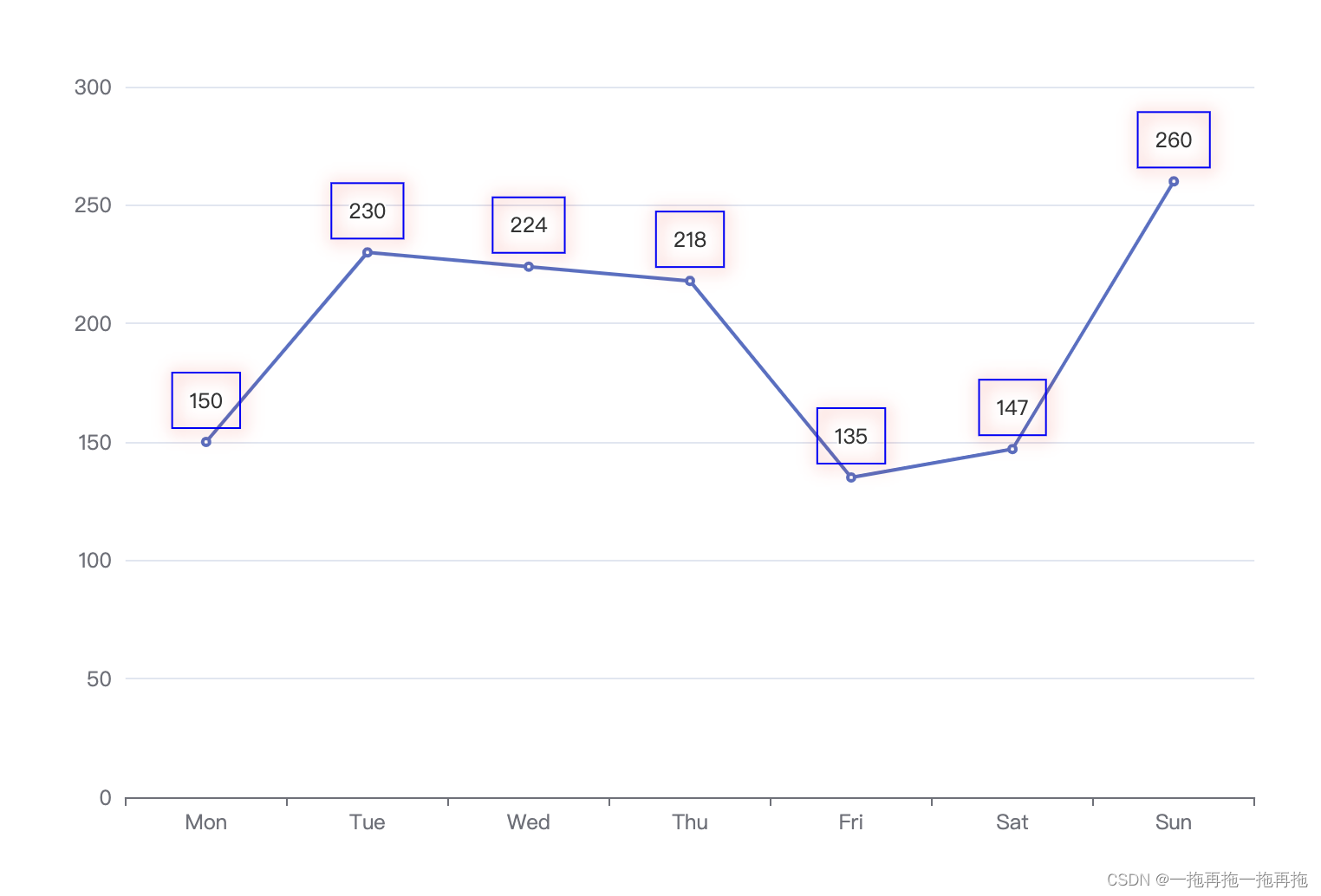
40:标签阴影
option = {xAxis: {type: 'category',data: ['Mon', 'Tue', 'Wed', 'Thu', 'Fri', 'Sat', 'Sun']},yAxis: {type: 'value'},series: [{data: [150, 230, 224, 218, 135, 147, 260],type: 'line',label: {show: true,borderColor: 'blue',borderWidth: 1,padding: 10,shadowColor: 'red',shadowBlur: 10,shadowOffsetX: 1,shadowOffsetY: 1}}]
};
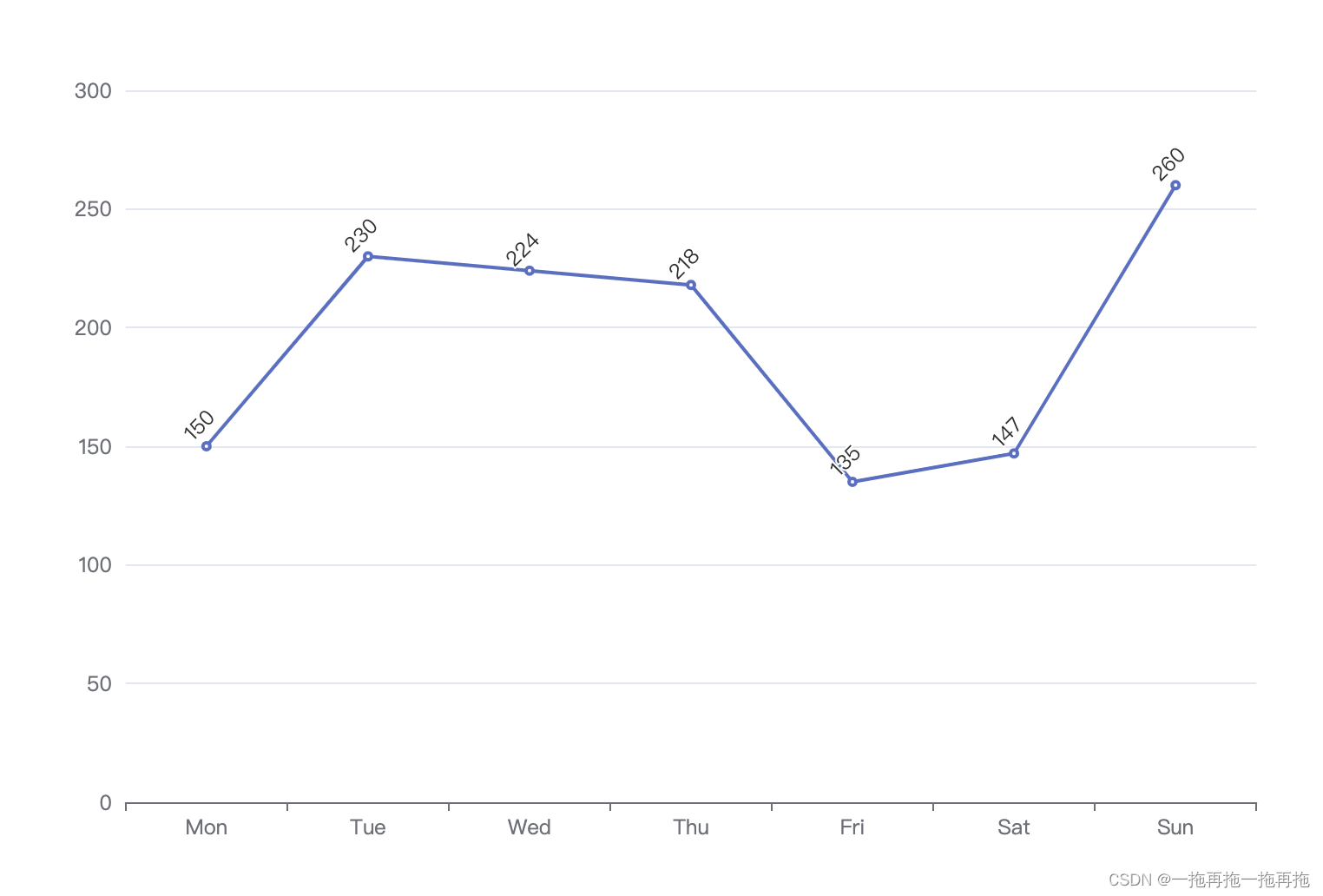
41:标签旋转
option = {xAxis: {type: 'category',data: ['Mon', 'Tue', 'Wed', 'Thu', 'Fri', 'Sat', 'Sun']},yAxis: {type: 'value'},series: [{data: [150, 230, 224, 218, 135, 147, 260],type: 'line',label: {show: true,rotate: 45}}]
};
42:持续更新中 …
如果命名不合适,或者遇到这里没有收录的内容,请留言,我会以更快的速度更新。
目前只更新了比较常用的部分,以后会持续更新…